February 23, 2026
Redesigned App & Multi-Language Support In EXTRA SAFE Chat
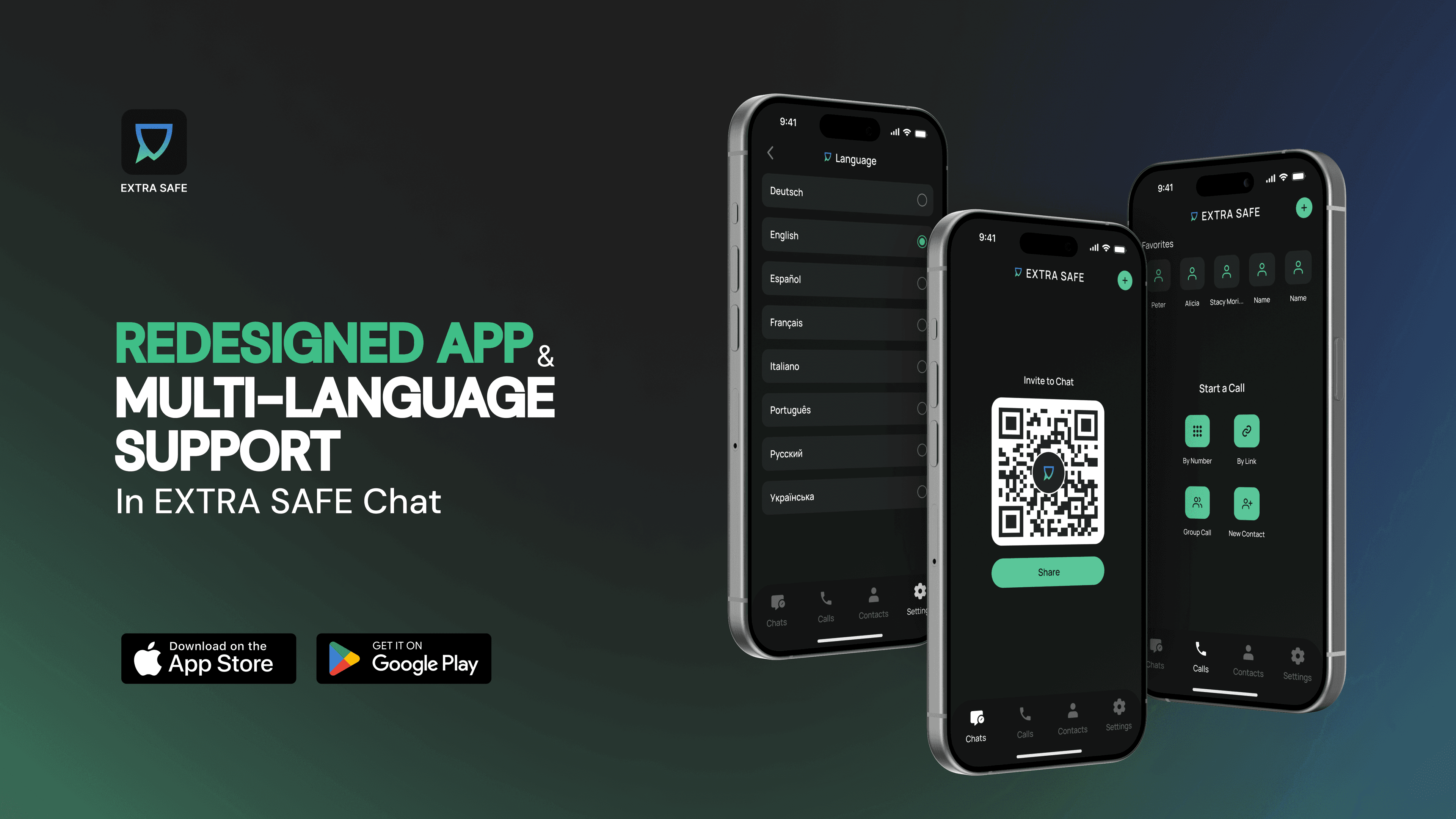
Following a successful launch and rapid growth across multiple regions, EXTRA SAFE Chat continues to evolve.
What began as a new standard for private communication built on crypto infrastructure now extends its capabilities through the latest update, reaching hundreds of thousands of users worldwide.
Multi-Language Support
EXTRA SAFE Chat expands beyond a single-language experience and is now available in eight languages, including English, German, Spanish, French, Italian, Portuguese, Russian, and Ukrainian.
By default, the app follows the system language set on the user’s device. A preferred language can be selected manually from settings, allowing the interface to adjust to personal preference at any time.
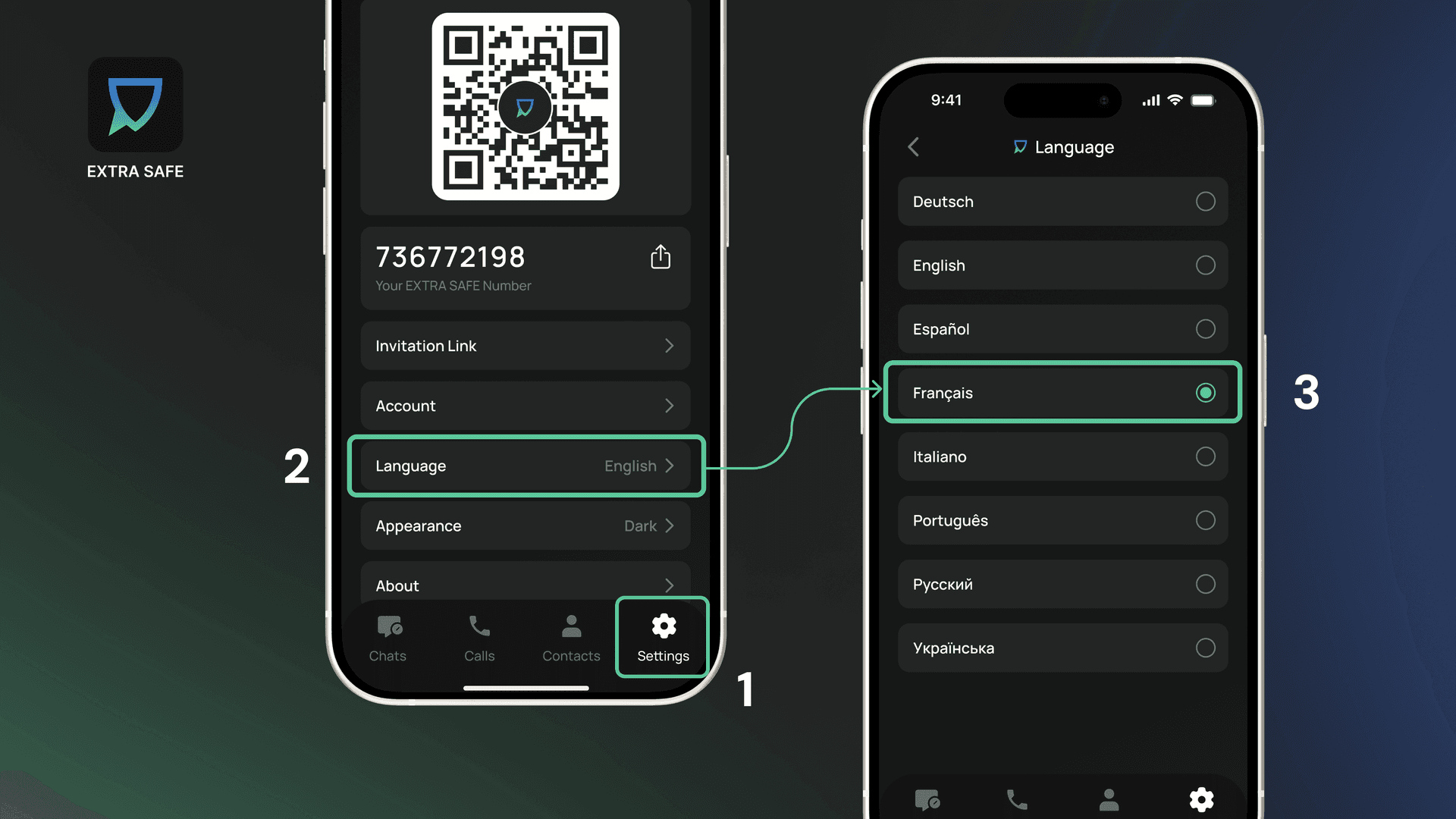
To change the app language:
Open ‘Settings’ from the bottom navigation bar.
Select ‘Language’, and choose the option that fits you best.
The app updates instantly, so you can switch between languages whenever needed.
Streamlined Chat Creation
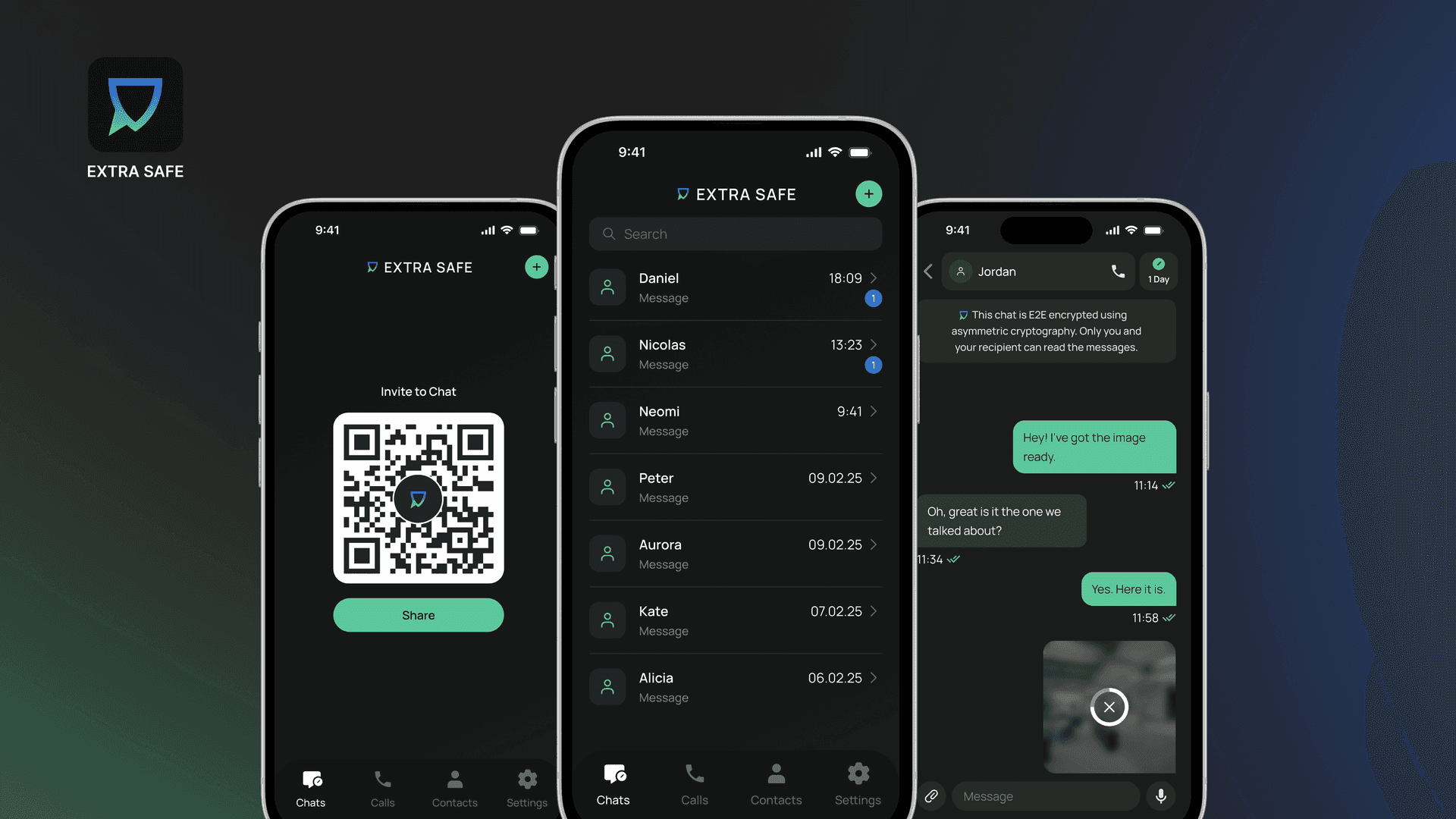
When opening Chats, users first see a QR code. Sharing it creates a direct connection, allowing both sides to move into a private chat immediately.
Additional ways to create a chat are available through the “+” action in the top-right corner of the Chats screen. From there, users can:
Share an invite link
Enter an EXTRA SAFE Number
Select an existing contact
This update also shapes how content behaves inside chats. Images and files shared are now downloaded automatically, keeping them available inside the conversation while still following the chat’s selected lifespan (from 1 minute to 1 month).
Multiple Ways to Start a Call
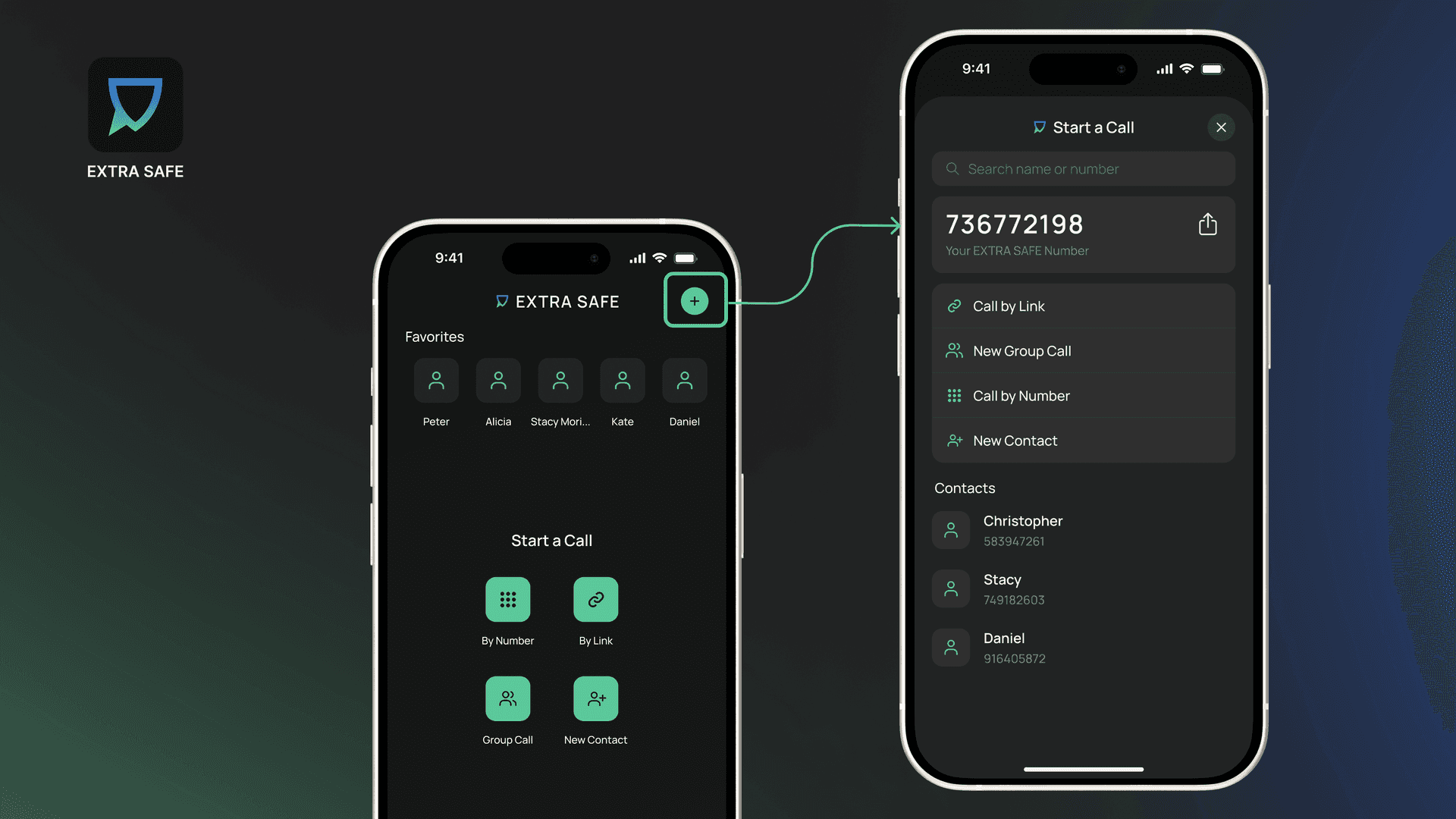
The Calls screen now opens with faster access to the people you reach most. Favorite contacts are shown at the top. Without any favorites selected, this area displays your recent contacts.
The updated layout brings multiple ways to start a call into one clear flow, including:
By link: It opens the session immediately and generates an invite link. After sharing it, people using the EXTRA SAFE app enter the session directly in the app. Others can join through EXTRA SAFE Browser Lite, without downloading the app or creating an account. Additional participants can be invited during the call from the invite control in the top-right corner.
Group call: It creates a shared session for multiple users. Participants are added by selecting saved contacts, with the search field helping to find the right contact quickly.
By number: This option allows a direct call by entering a valid EXTRA SAFE Number, including users who are not yet in your contacts list.
New contact: When an entered EXTRA SAFE Number has not been saved yet, the flow offers the option to add it as a new contact while connecting.
In addition, contacts can always be invited through the search field by tapping the “+” icon in the top-right corner of the Calls screen, where contact search appears alongside all other call options.
Contacts and Profile Navigation
The new update refines how contacts and profiles are accessed across EXTRA SAFE Chat, bringing a clearer structure to adding connections and managing profiles.
Contacts: When opening Contacts, the screen displays the user’s personal QR code, just like in Chats. The “+” action provides two additional ways to add a contact: entering an EXTRA SAFE Number or sharing an invitation link.
Contact Profiles: Your contacts’ profiles are accessible from Chats, Calls, or Contacts screens. Depending on where the profile is opened, it provides available management options, covering conversations, calls, or contact-level controls.
Your Personal Profile: The personal profile appears at the top of the Settings screen, with quick sharing options including the QR code, EXTRA SAFE Number, and invitation link. From there, users move into app and account preferences, including language, appearance, and account options.
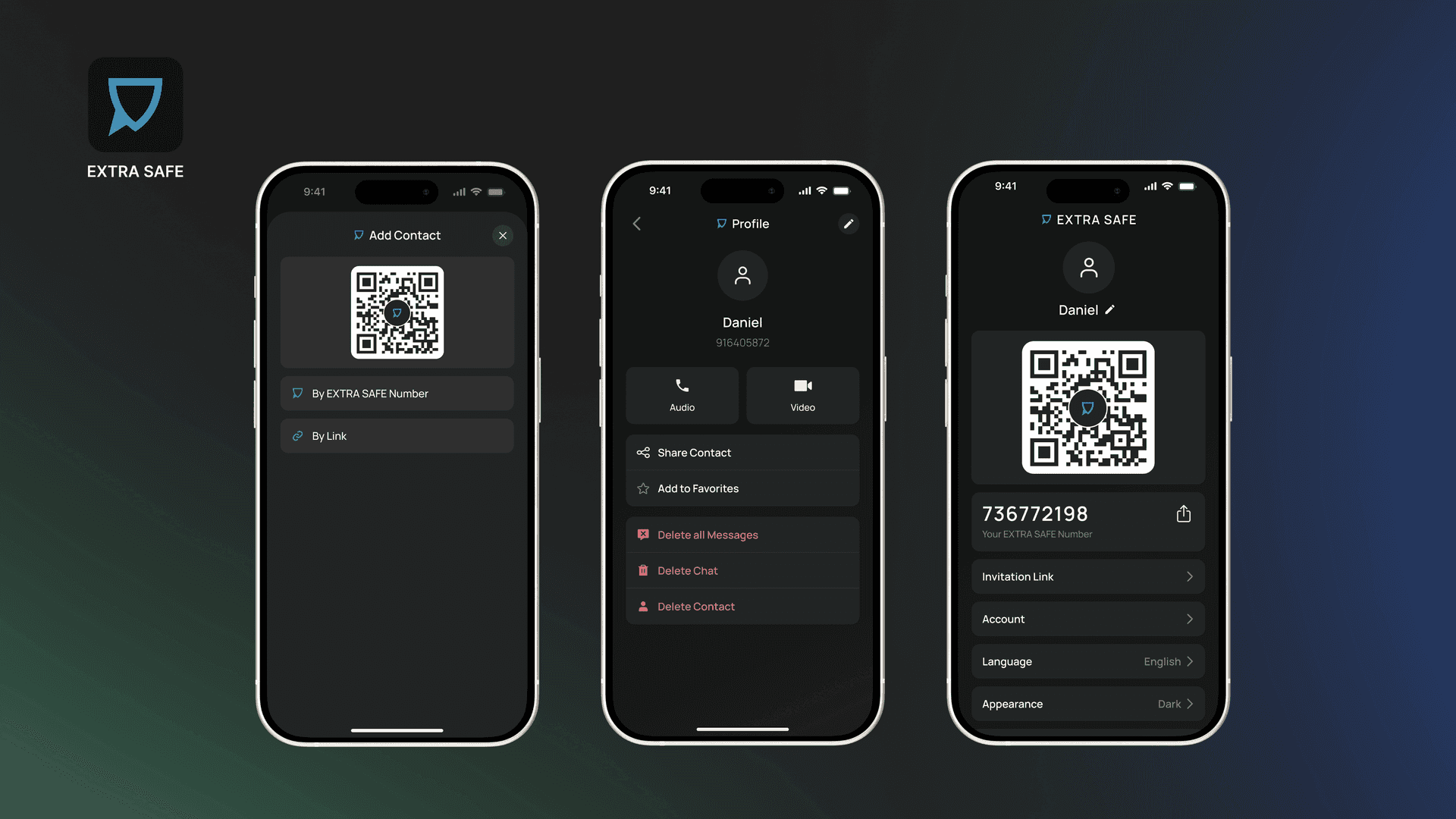
Guided by input shared through the public feedback portal, the new update stands on the same privacy model that shaped the app from the very beginning and helped us reach more than 400,000 downloads in just 13 weeks after launch:
Anonymous: Our Ethereum-like account structure generates a unique cryptographic identifier for each user, eliminating the need to provide any identity data and ensuring complete anonymity without compromise.
E2EE - Asymmetric: Chats, files, and images are end‑to‑end encrypted, and each chat is secured using a cryptographic key pair: a public key and a private key that remain on the user’s device. This model ensures that only the intended participants can decrypt content.
Device–To-Device: Video meetings rely on a P2P topology, with data protected by WebRTC security mechanisms. Users can join from any browser without installing the app or creating an account.
Ephemeral: Each chat is deleted based on the timer you set: 1 minute, 1 hour, 1 week, or 1 month. After that, messages are forever removed from both devices.
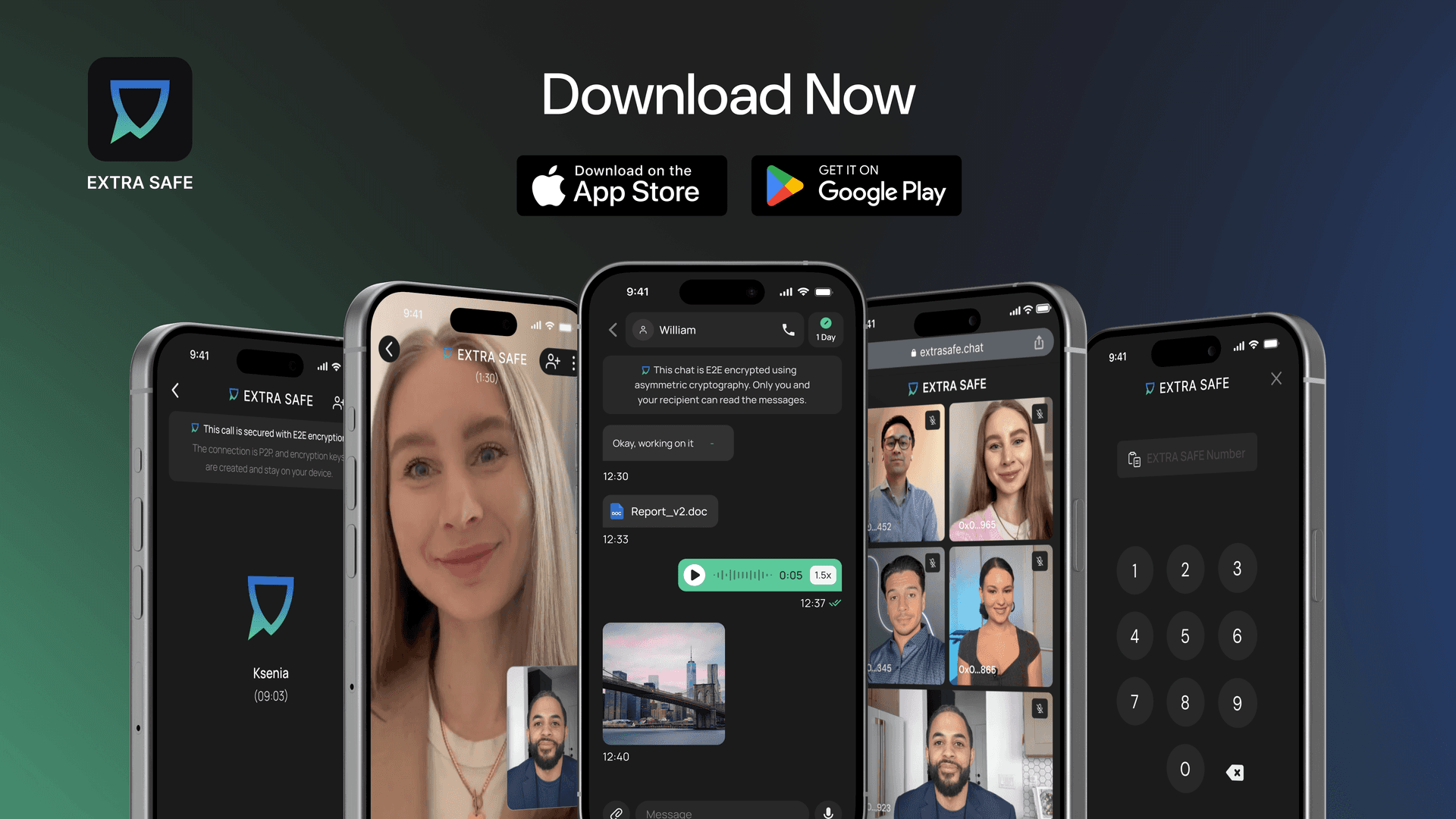
Try It Now: Download the app for iOS and Android. Prefer desktop? Start a video chat from your browser at extrasafe.chat