Gift Link
Gift Stablecoins to Someone Who Isn’t on EXTRA SAFE Yet
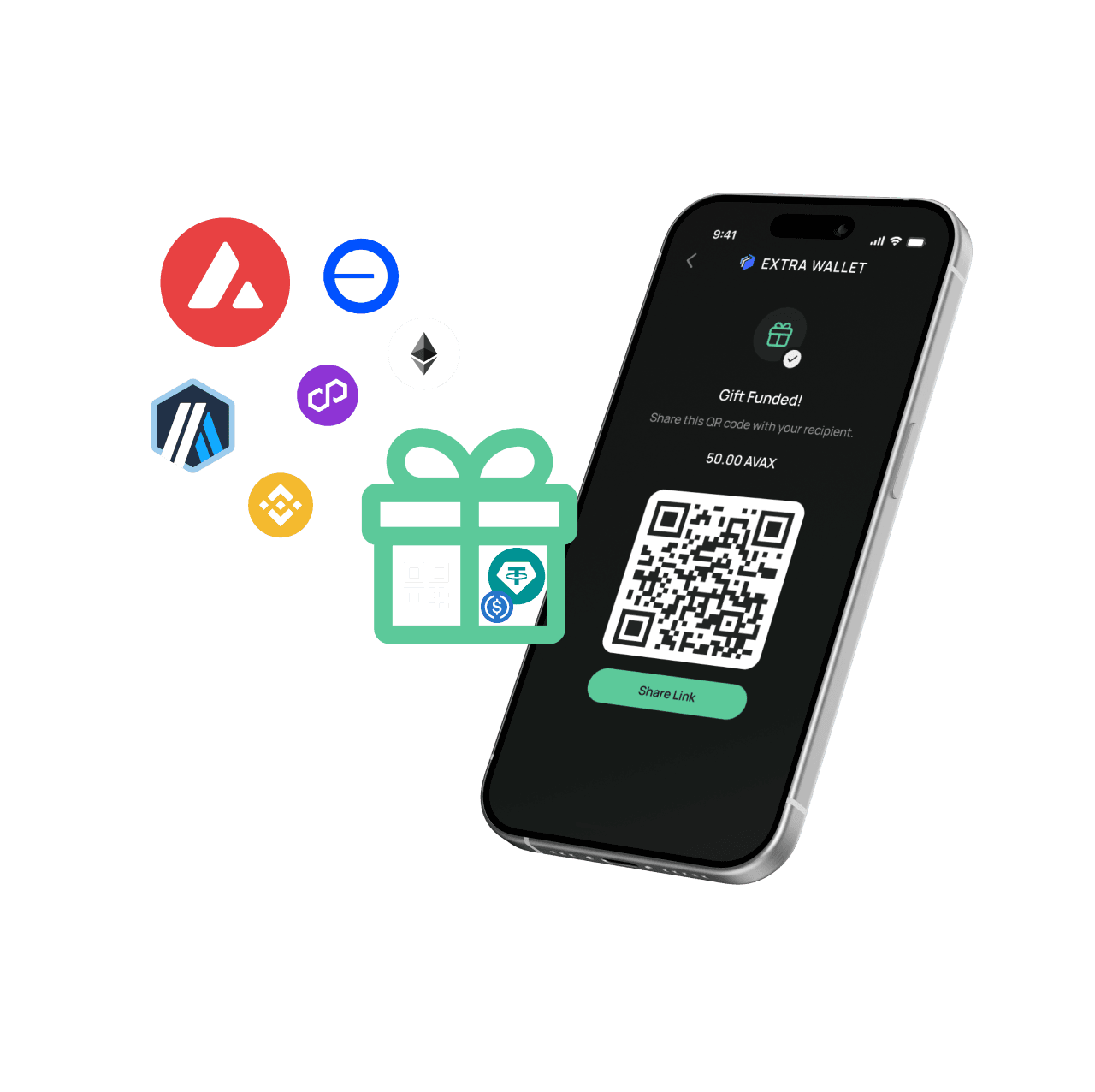
Gift stablecoins as a link or a QR code. They open it, install the app, and the funds are already inside their new wallet.
 ONBOARDING
Usable From Day One
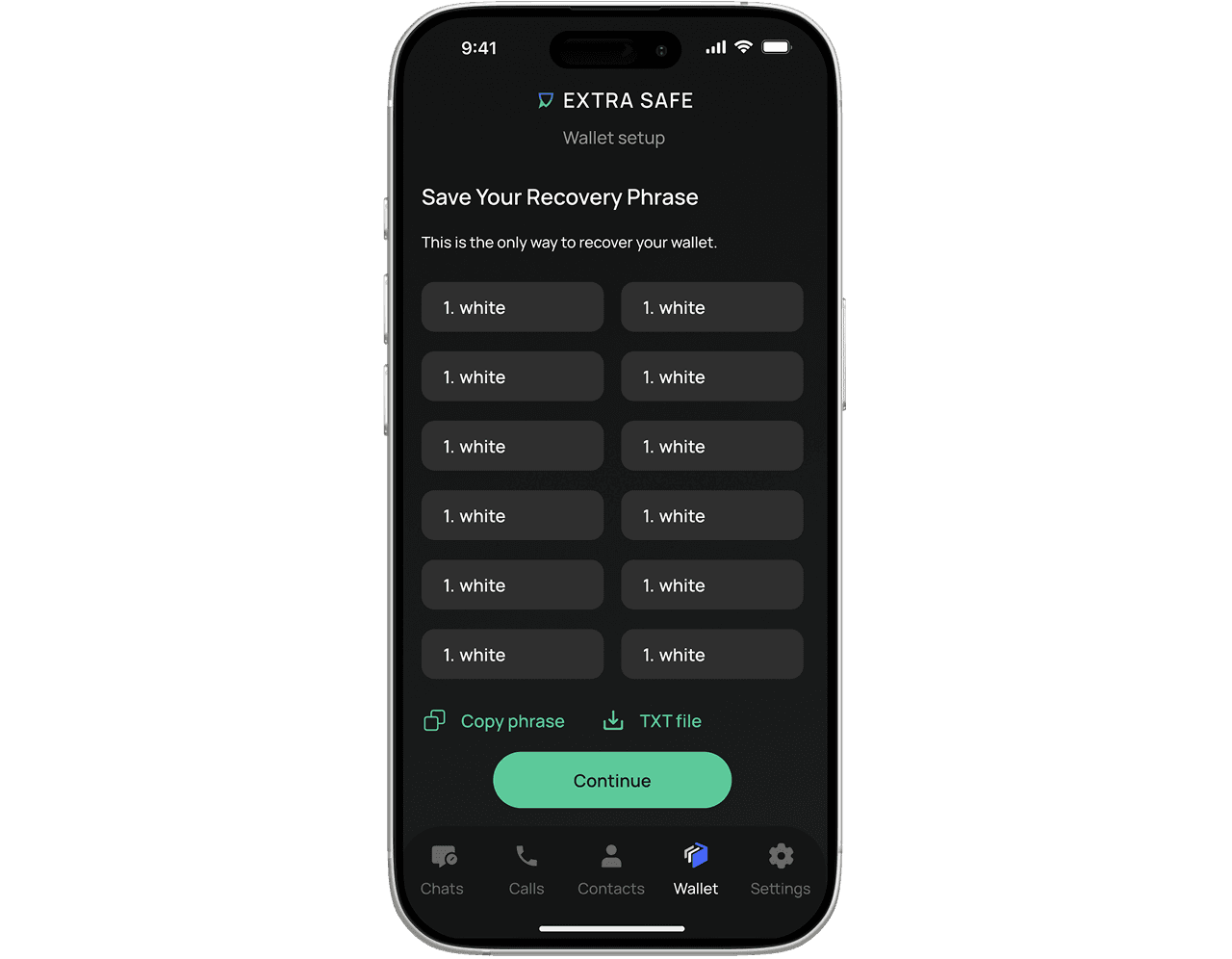
The wallet arrives funded. A short setup — save the recovery phrase — and the stablecoins are ready to move.
 EFFICIENCY
One Link, A Funded Wallet
One link takes them to install the app and claim a wallet that’s already funded.
 SMART GAS
Gas Paid With Stablecoins
You send stablecoins — gas is paid with stablecoins. Your friend needs nothing to claim it.
Self-Owned Assets and Chats. Backed Up in 12 Words
EXTRA SAFE Chat is a self-custodial messenger — which means the account, contacts, and wallet are stored on the recipient's device, protected by locally generated keys that never leave it. We don't have access to any of it. Full control is theirs — and so is the responsibility. When your contact claims a gift, encourage them to save their 12-word recovery phrase right away. It's the only way to restore everything if they switch devices or lose access.
If the recovery phrase is lost, access to the account and funds cannot be restored.
EXTRA SAFE lets you create a password-protected, encrypted backup of your recovery phrase and store it in your own Google Drive or iCloud. Your backup stays encrypted, and only you have the password to access it.
How it Works
You send
- 1
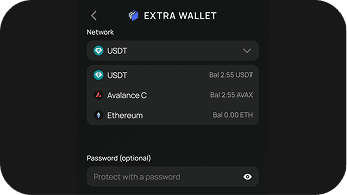
Open Gift in Wallet tab
Pick the amount, the network, and an optional password.
- 2
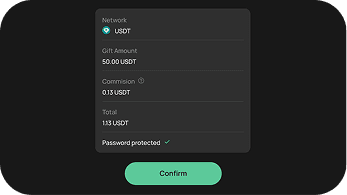
Confirm
Review and confirm with your PIN or biometrics.
- 3
Share the link
Send it through any channel — WhatsApp, Telegram, SMS, or email.
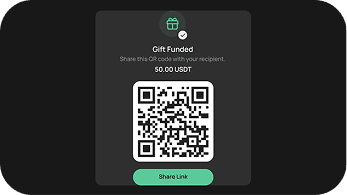
The link carries the funds
They receive
- 1
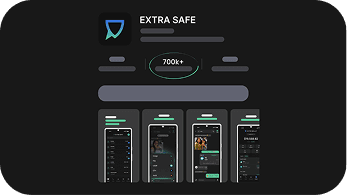
Tap the link
It opens the app store to install EXTRA SAFE Chat.
- 2
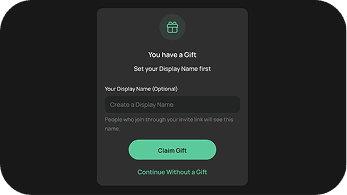
Claim the gift
Set a name and enter the password (if required).
- 3
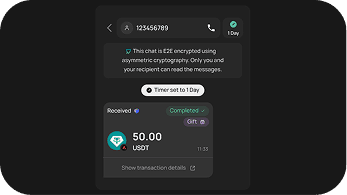
Start with USD₮ in the Wallet
A chat with you opens, and the stablecoins are in their Wallet, ready to use after the Wallet onboarding is completed.
FAQs
What is a Gift Link?
A Gift Link is a shareable link with USD₮ or other token already inside. Your contact taps it, installs EXTRA SAFE, and their wallet is created and funded.
Does my friend need anything to claim a gift?
The link sets up the app, the wallet, and the funds for them. They set a name, claim the gift, and the stablecoins are already in their wallet, ready to use. Learn more: How do I send a Gift Link?
Do I have to set a password?
A password is optional. If you set one, share it through a separate channel from the link — say, the link by WhatsApp and the password by SMS. EXTRA SAFE doesn't store the password and can't recover it, so keep it safe.
What happens if the gift isn't claimed?
Until it’s claimed, you can take the gift back any time. Unclaimed gifts return to you automatically after a set period.
Can a claimed gift be reversed?
Once your contact claims the gift, the funds are theirs. A claimed gift can't be reversed, so double-check the amount before you send.
Can I send one gift to several people?
Each link is for one recipient. To gift several people, create a separate link for each — every recipient gets their own account under their own name.
Can I invite someone with a regular link instead?
Yes. If you'd rather invite without attaching funds, share your invite link or your 9-digit EXTRA SAFE number. Your contact installs the app, and you connect automatically — then you can chat or send USD₮ once they're set up.