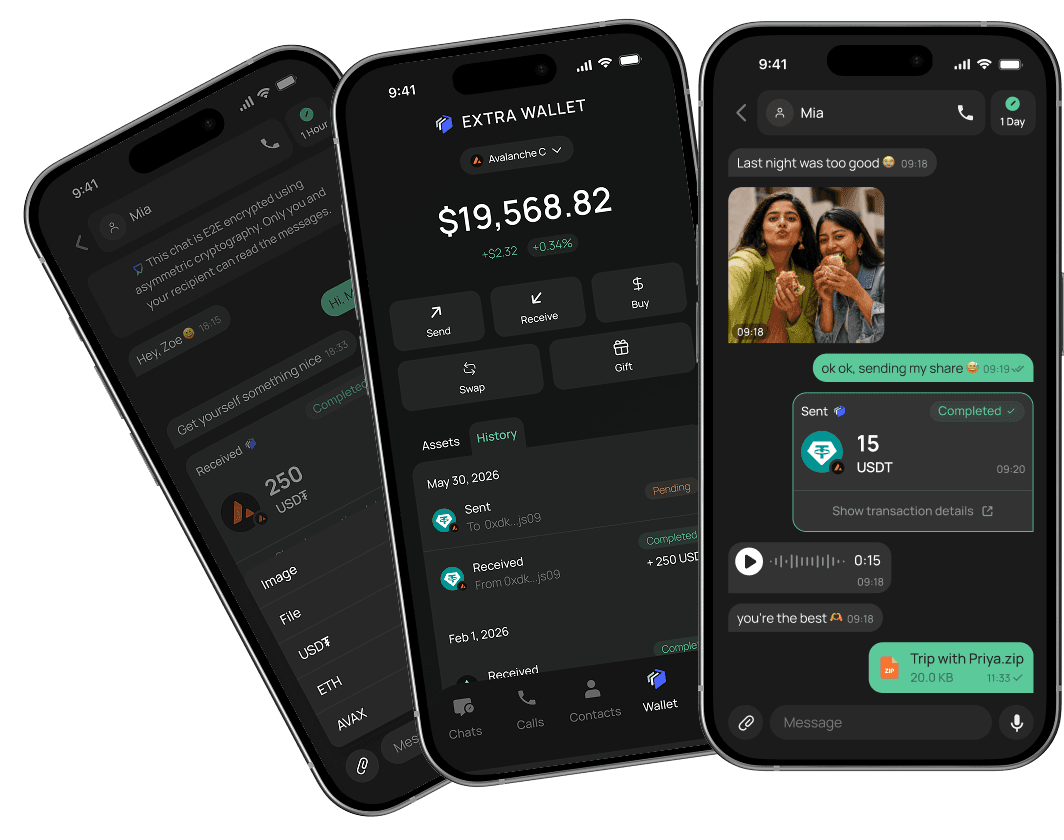
EXTRA WALLET, Built In
A self-custodial stablecoin wallet, built into your messenger.
Hold, send, and receive tokens across networks, all from the Wallet tab. It's created with your account, and one 12-word recovery phrase restores both your chats and your wallet.
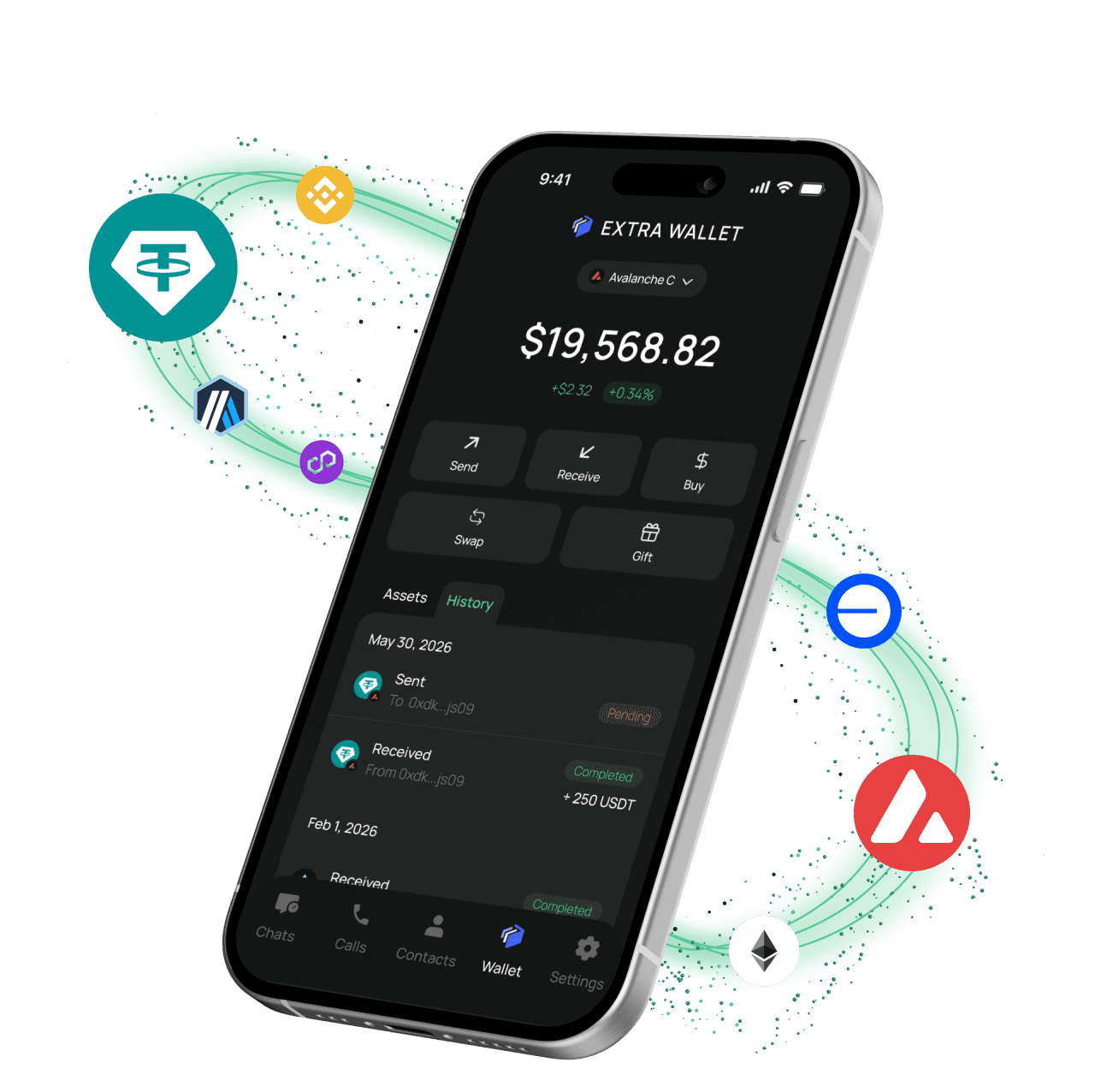
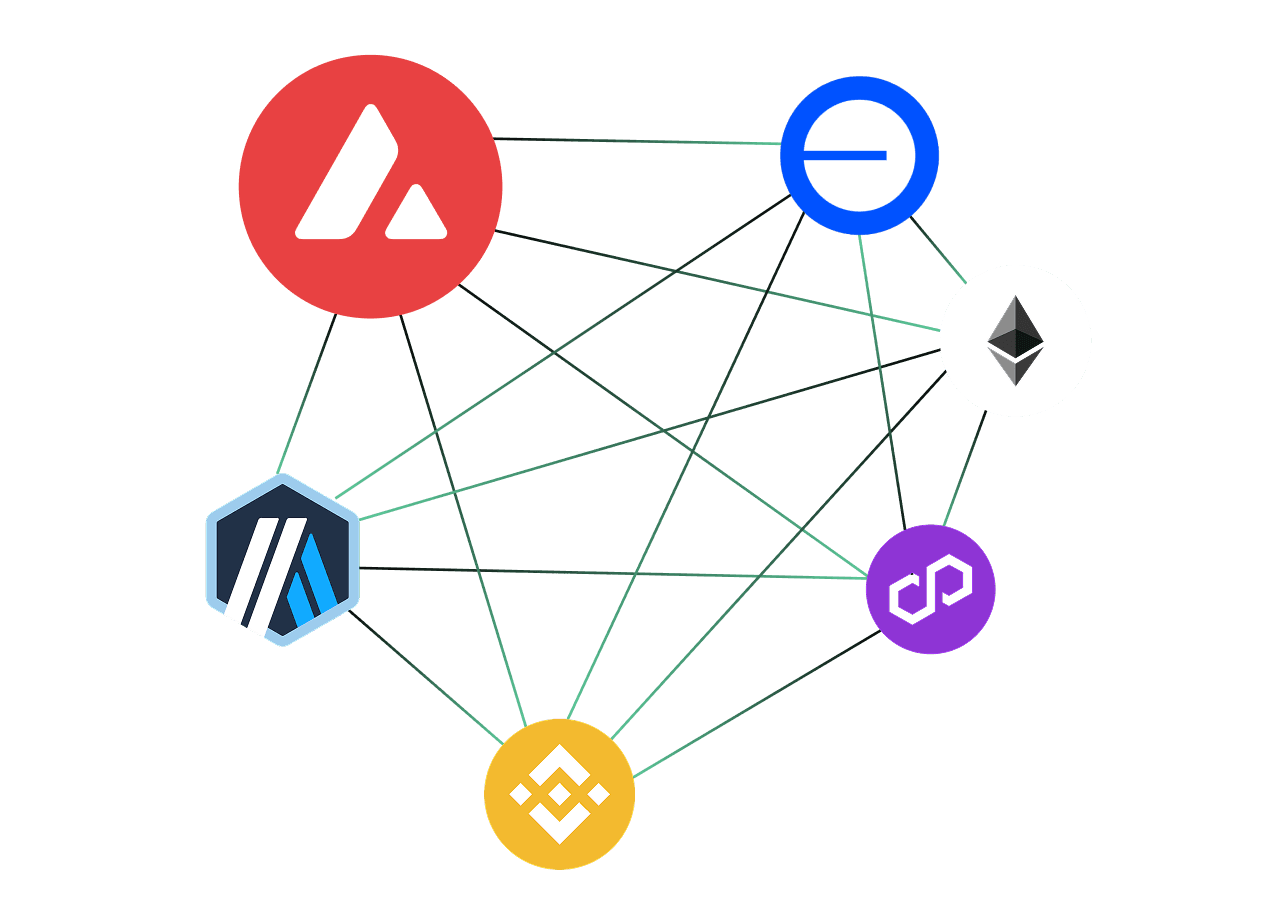
Supported Networks and Assets
The wallet runs on six EVM networks — Avalanche as the default blockchain, plus Ethereum, Polygon, BNB Chain, Base, and Arbitrum. Hold and send stablecoins and native coins across any of them.
FEATURES
Works with any wallet on the network — not only other EXTRA SAFE users

Send
Send to any wallet address, on any of the six supported networks — or pick a contact by name, EXTRA SAFE number, or QR code. Not on EXTRA SAFE yet? Gift them stablecoins with a Gift Link.

Receive
Share your EXTRA SAFE number or QR code, and funds arrive from anyone, anytime — straight into your self-custodial wallet.

Swap
Swap between assets right inside your wallet.
The iPhone version currently ships without Swap.
Manage Assets
Balance, token prices, and full transaction history — all in one tab, right inside the messenger.

Gas Paid With Stablecoins
Send stablecoin, and the fee settles in the same stablecoin — no separate token required to cover it. It's part of UGTP, running quietly underneath every transaction.

PIN & Biometric
Every transaction is confirmed with your PIN, Face ID, Touch ID or fingerprint, keeping your private keys safe on your device.
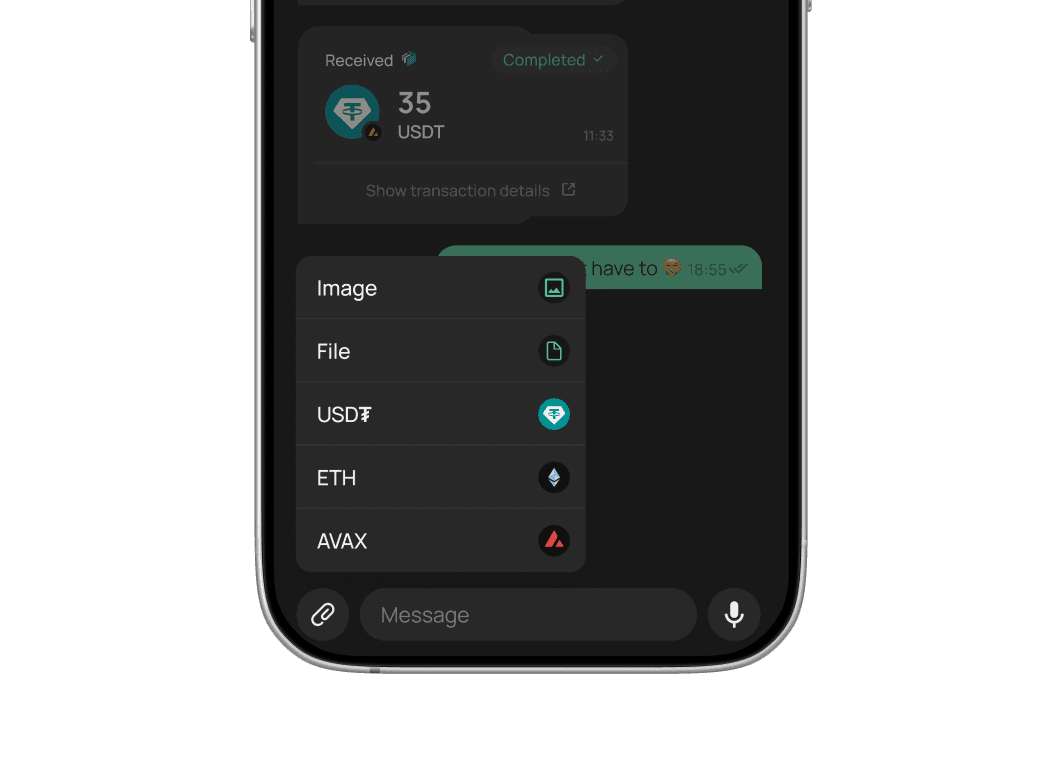
 Send in Chat
Send right inside the chat — the same way you'd share a photo.
Stablecoins and other tokens go to a contact, by name or EXTRA SAFE number, and land in the thread next to your messages. Type, tap, send.
Self-Owned Assets and Chats. Backed Up in 12 Words
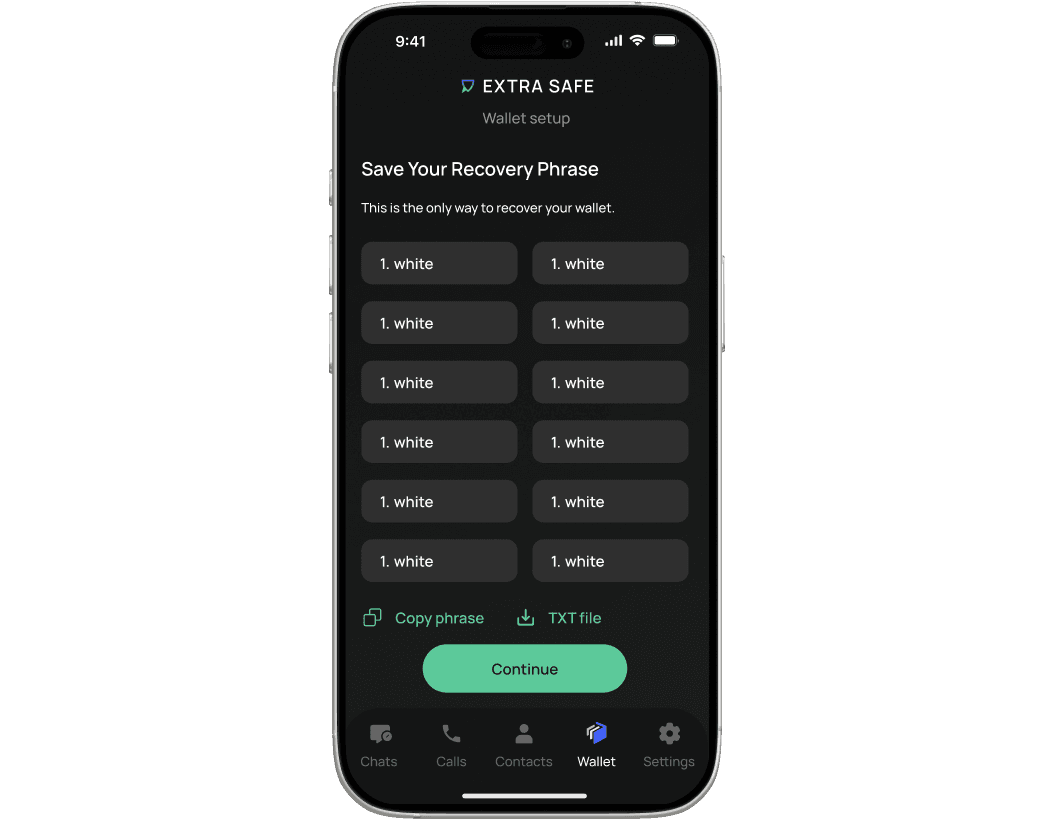
EXTRA SAFE Chat is a self-custodial messenger — which means your account, contacts, and wallet are stored on your device, protected by locally generated keys that never leave it. We have no access to any of it. Full control is yours — and so is the responsibility. Your 12-word recovery phrase is the only way to restore everything if you switch devices or lose access.
If you lose your recovery phrase, access to your account and funds cannot be restored.
EXTRA SAFE lets you create a password-protected, encrypted backup of your recovery phrase and store it in your own Google Drive or iCloud. Your backup stays encrypted, and only you have the password to access it.
How to Start
Set Up Your Wallet in Few Steps
- 1
Open the Wallet tab and tap Start.
- 2
Save your Recovery Phrase.
- 3
Create a PIN, and add Face ID or fingerprint if you like.
 4
4Done. The wallet is active.
FAQs
What is EXTRA WALLET?
EXTRA WALLET is a self-custodial wallet built into EXTRA SAFE that lets you securely store, send, and receive digital assets. You have full control over your funds and private keys. Read more about it in our Help Center.
Do I need crypto experience to use it?
You can start from zero: setup takes seconds, and sending works the same way you'd share a photo in chat. The on-chain layer stays behind the scenes.
What does it cost?
EXTRA SAFE is free to download and use for chats, calls, and receiving funds. Fees apply to sending, swapping, and gifting assets. Read more about it in our Help Center: What does EXTRA SAFE cost?
What does self-custodial mean?
Private keys are generated on your device and stay there, so the control over your assets, chats and contacts belongs to you alone — and so does the responsibility for your recovery phrase.
What is a recovery phrase and why do I need it?
The 12-word recovery phrase is the key to your account and wallet — one phrase restores both. It's created on your device and never leaves it. Write it down and keep it offline: the phrase is the only way back in if you lose access. Read more about how to back up your recovery phrase.
What if I lose my phone?
Install EXTRA SAFE on a new device, tap Restore, and enter your 12-word Recovery Phrase. Your wallet and identity come right back.
Can EXTRA SAFE access my funds?
Only you can move your funds: your keys stay on your device, and every transfer needs your PIN or biometrics.
Which networks and assets are supported?
The wallet runs on six EVM networks — Avalanche as the default blockchain, plus Ethereum, Polygon, BNB Chain, Base, and Arbitrum. You can hold and send native coins and stablecoins across any of them.
How do I send?
Pick a contact or enter an EXTRA SAFE number — or paste a wallet address, or scan a QR code. Choose the token and the amount, confirm with PIN or Face ID, done.
A Wallet Inside Your Everyday Messenger
Hold, swap, send, and receive assets across six chains. Gas paid with stablecoins. Your funds move right where your conversations already happen.