December 10, 2025
How to Share Encrypted Files and Images in EXTRA SAFE chat?

Since the launch of the EXTRA SAFE mobile app, encrypted chat has become one of the core features people rely on for their most confidential conversations, knowing that every message has a clear lifespan they set from the start.
From now on, the chat in EXTRA SAFE extends beyond text: you can send files and images in the same conversation. This update reflects our community input from the public feedback portal, where users asked for a seamless way to move files, images, and messages in one encrypted space.
What You’ll Learn
How to send files and images in EXTRA SAFE chat
Supported media types
EXTRA SAFE chat privacy model
More updates in this release
How to send files and images in EXTRA SAFE chat
Step 1 - Set the message timer in the chat: The timer starts at 1 month by default, introducing the longest lifespan so far in the EXTRA SAFE chat. To adjust it, tap the timer icon next to the send button and choose 1 minute, 1 hour, 1 day, 1 week, or simply keep it at 1 month.
Step 2 - Tap the attachment icon: choose any files or images you want to send with your message. When the time’s up, your message and all attachments disappear from both devices.
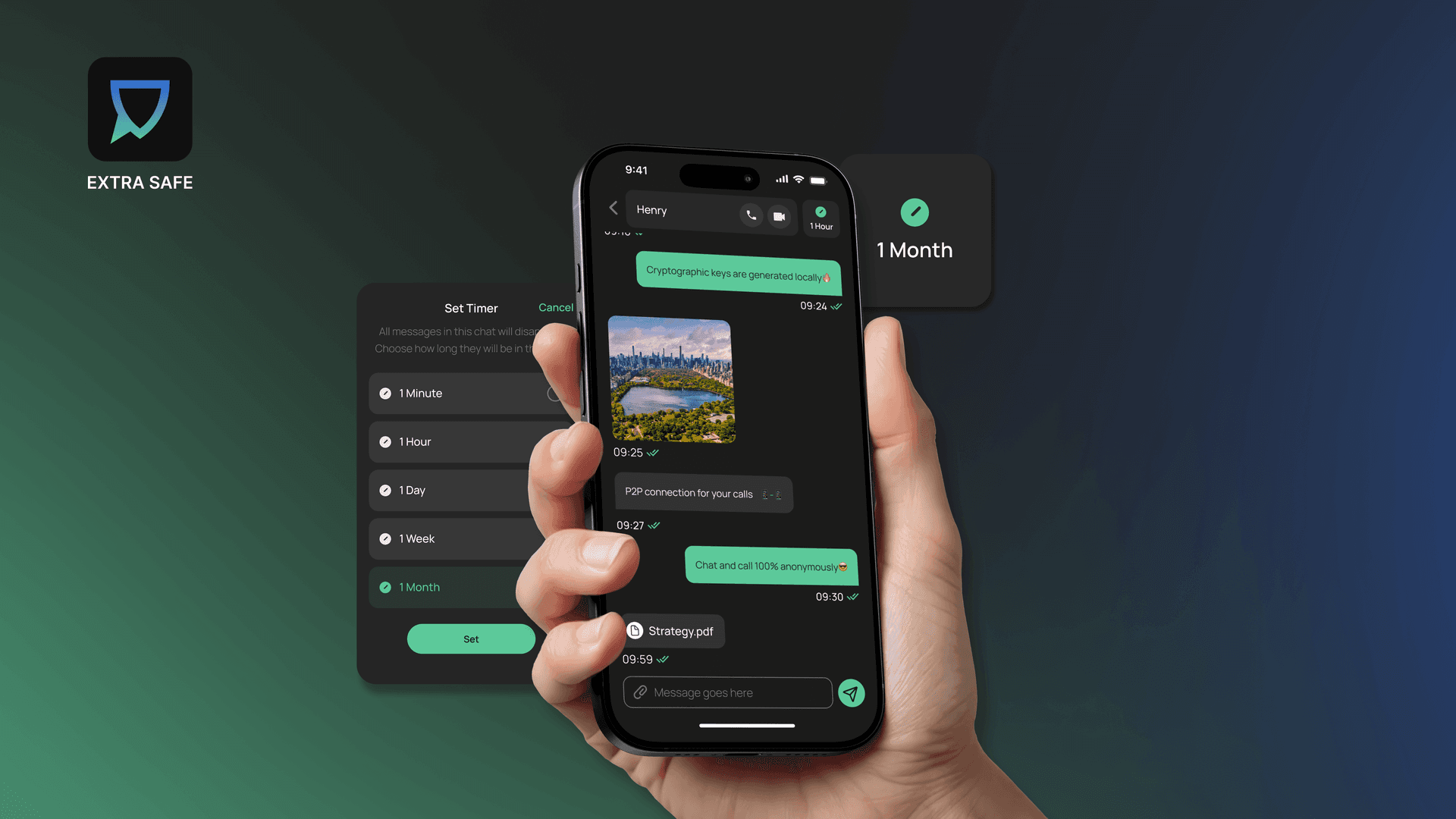
Send files and images in EXTRA SAFE chat
Supported Media Types
In disappearing chat, you can send any type of files, up to 25 MB, including:
PPTX
ODS
DOCX
PPT
DOC
CSV
ODT
ODP
RTF
XLSX
TXT
ZIP
XLS
XML
PDF
JSON
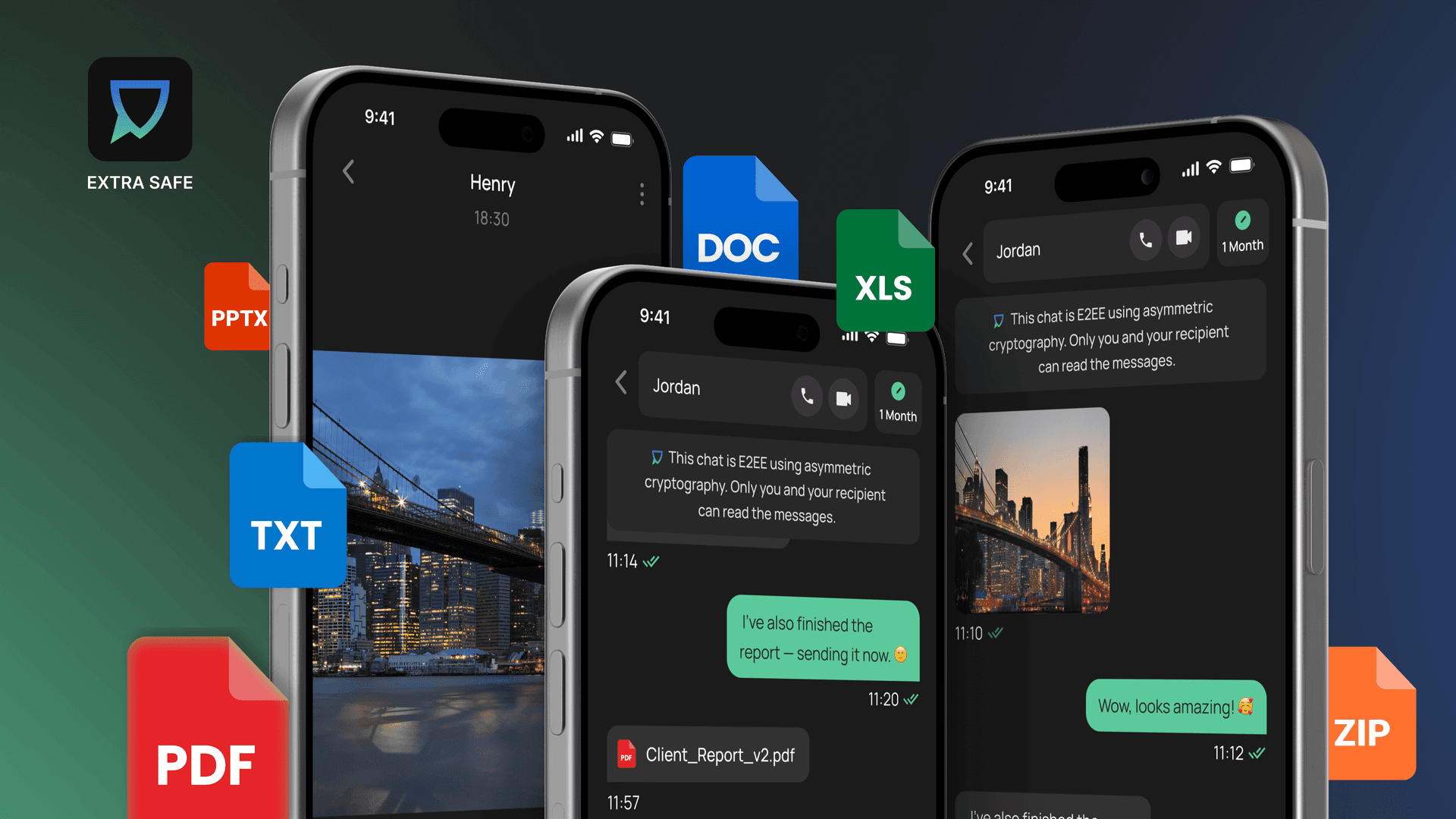
Supported media types
EXTRA SAFE Chat Privacy Model
Anonymous: Our Ethereum-like account structure generates a unique cryptographic identifier for each user, eliminating the need to provide any identity data and ensuring complete anonymity without compromise.
E2EE - Asymmetric: Chats, files, and images are end‑to‑end encrypted, and each chat is secured using a cryptographic key pair: a public key and a private key that remains on the user’s device. This model ensures that only the intended participants can decrypt content.
Device–To-Device: Video meetings rely on a P2P topology, with data protected by WebRTC security mechanisms. Users can join from any browser without installing the app or creating an account.
Ephemeral Communication: Each chat is deleted based on the timer you set: 1 minute, 1 hour, 1 week, or 1 month. After that, messages are forever removed from both devices.
The same community feedback that shaped encrypted file and image sharing also guided us to offer more, so this product update also includes new ways to add and organize contacts.
With this feature, you can exchange contacts with a QR code, highlight your favorite contacts, and handle new connections from a pending list, giving you a simple, organized way to manage your conversations and contacts
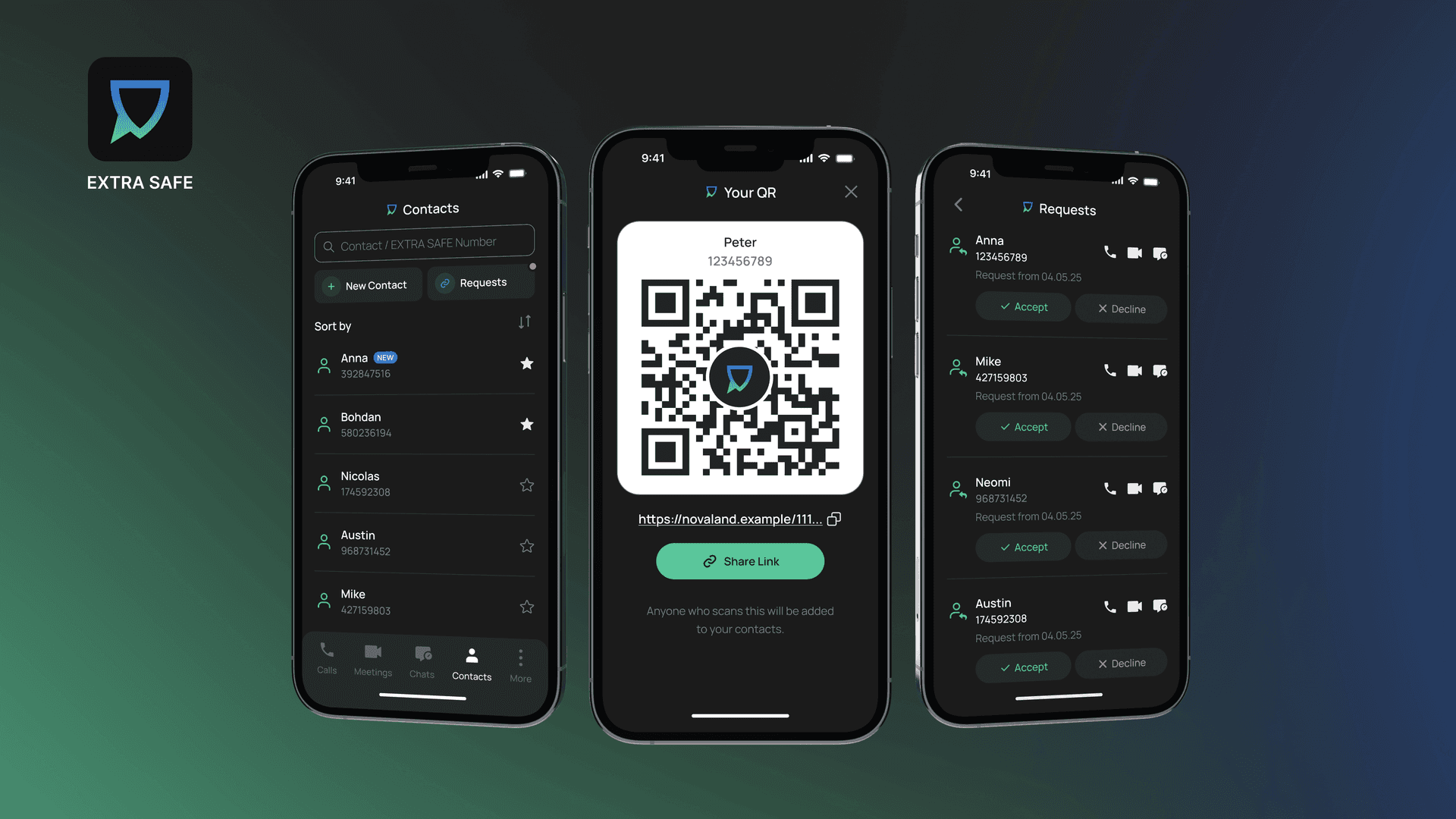
New ways to add and organize contacts
Whether you are communicating with colleagues, clients, business partners, friends, or someone close in your personal life, an encrypted chat with file and image transfer creates a secure space for sensitive conversations that require extra protection.
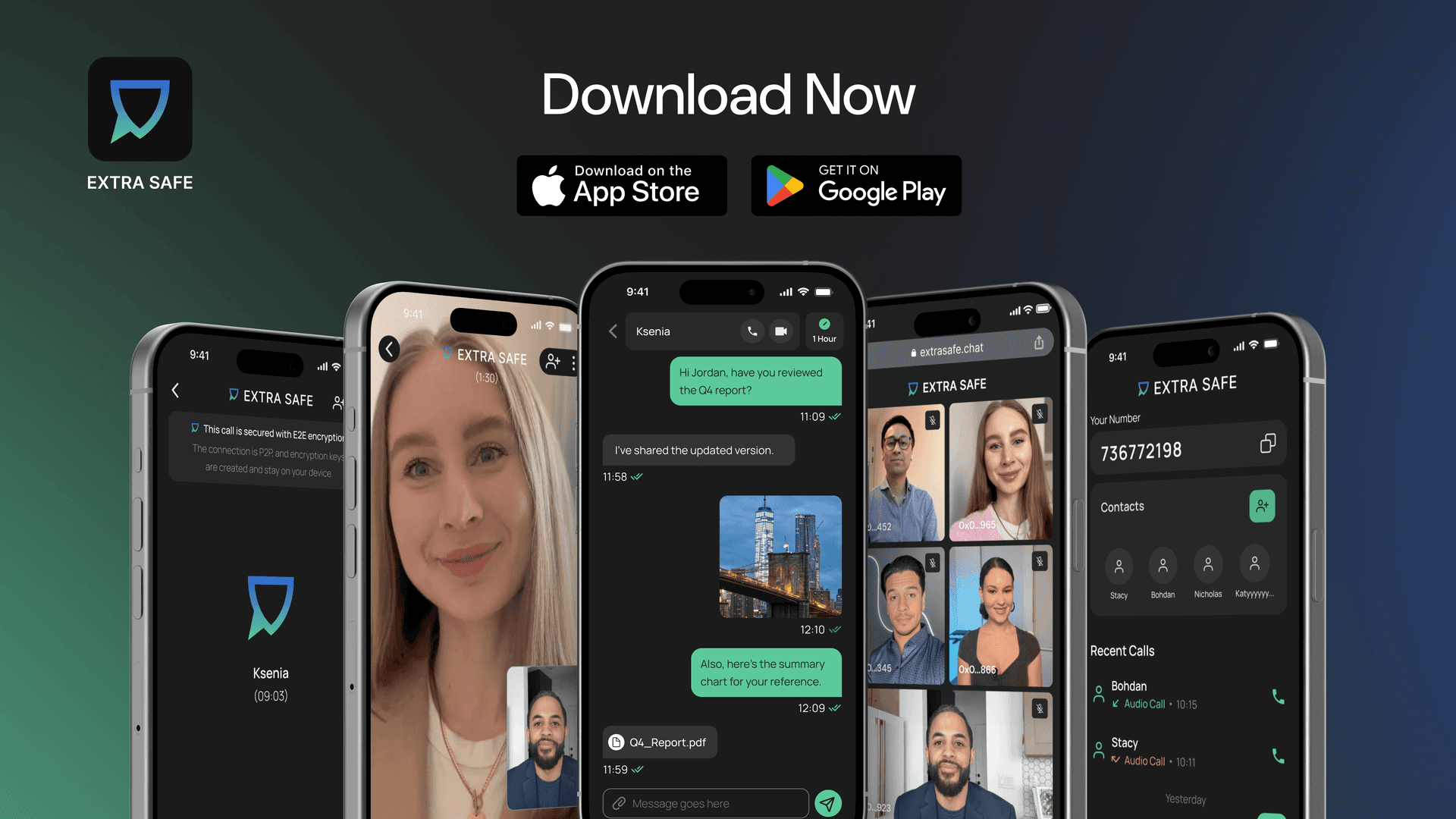
Download EXTRA SAFE app for free
Try It Now: Download the app for iOS and Android. Prefer desktop? Start a video chat from your browser at extrasafe.chat