January 26, 2026
Categories:
How to Store a Seed Phrase to Secure Your Crypto
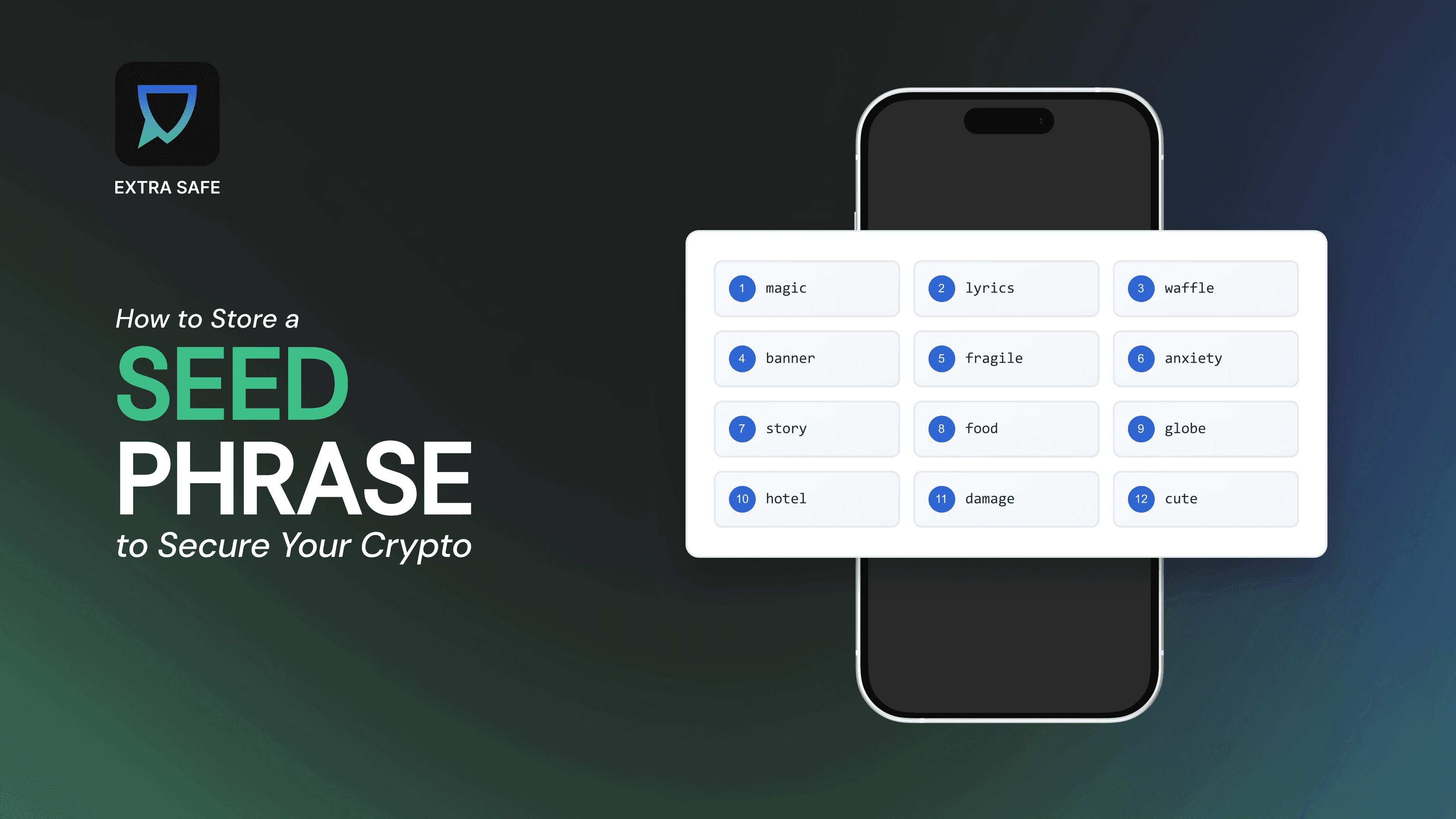
Handling money today rarely involves physical cash. Payments, savings, and assets increasingly exist in digital form, and crypto wallets are part of this shift, allowing people to hold and manage their funds directly. With this model, control no longer sits with banks or platforms - it moves to the individual.
In crypto systems, access is restored through a seed phrase: a set of words created when a wallet is set up. This phrase becomes the key that reconnects a user to their assets if a phone is lost, replaced, or reset. There are no reset links or support-based recovery steps. The way the seed phrase is stored determines how reliably access can be restored over time.
If you are new to crypto, the following approaches offer a clear starting point for maintaining access over time.
Paper Storage: Simple, Offline, and Familiar
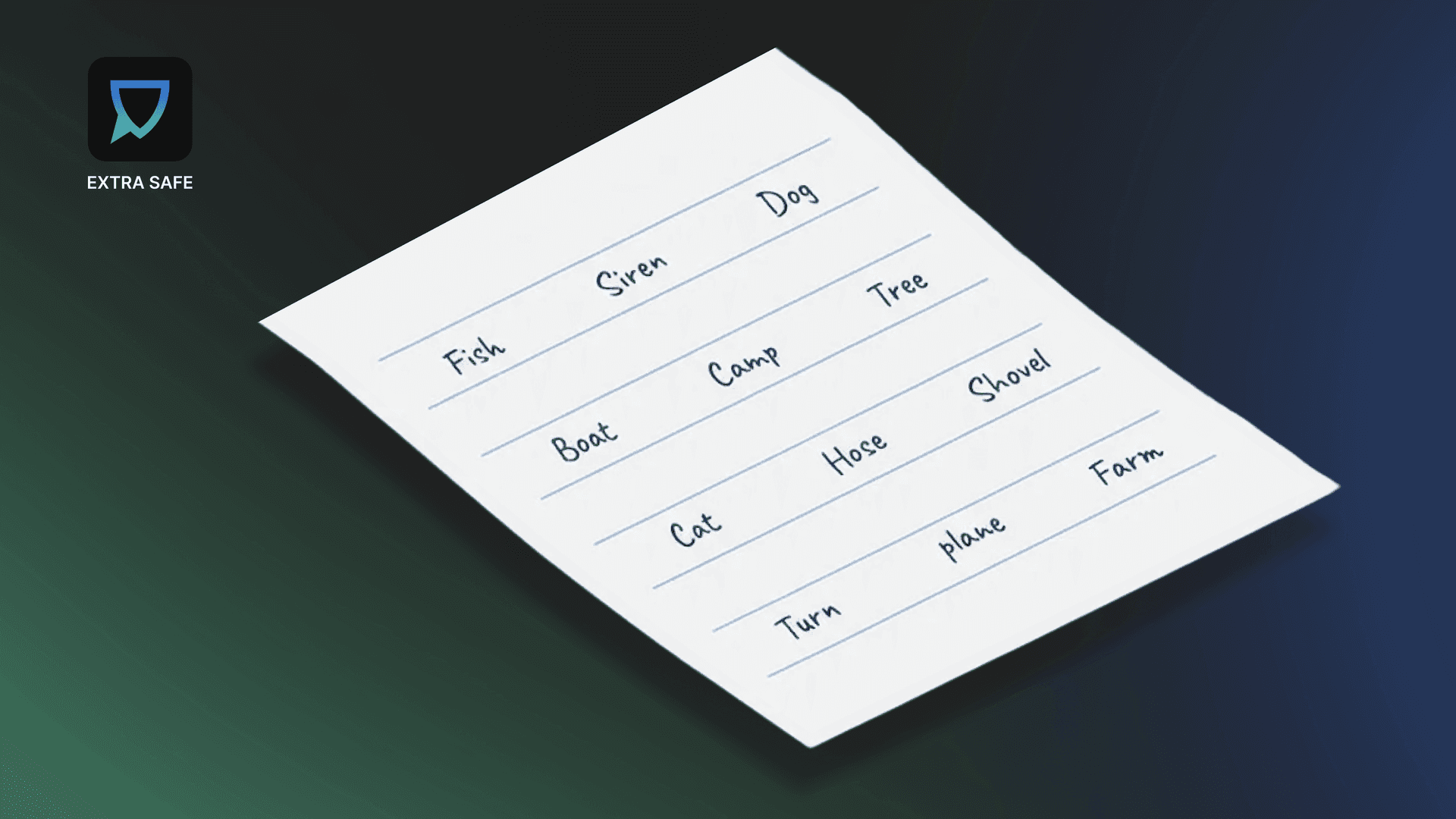
For many users, writing the seed phrase on paper is the most straightforward starting point. It keeps the phrase offline and independent from devices, software, or online accounts, which is why it remains widely used.
At the same time, paper introduces physical risks. It can be misplaced, damaged by water or fire, or accessed by someone else if stored carelessly. In this case, security depends less on the medium itself and more on the way it is handled.
When paper is used, the most effective approach is deliberate storage. Keeping the written phrase in a protected location, such as a personal safe, locked container, or another controlled environment reduces both environmental and access-related risks. The goal is to limit visibility while ensuring the phrase remains retrievable when needed.
Handled with intention, paper storage remains a viable option built on simplicity and personal responsibility.
Metal Backups: Built for Durability Over Time
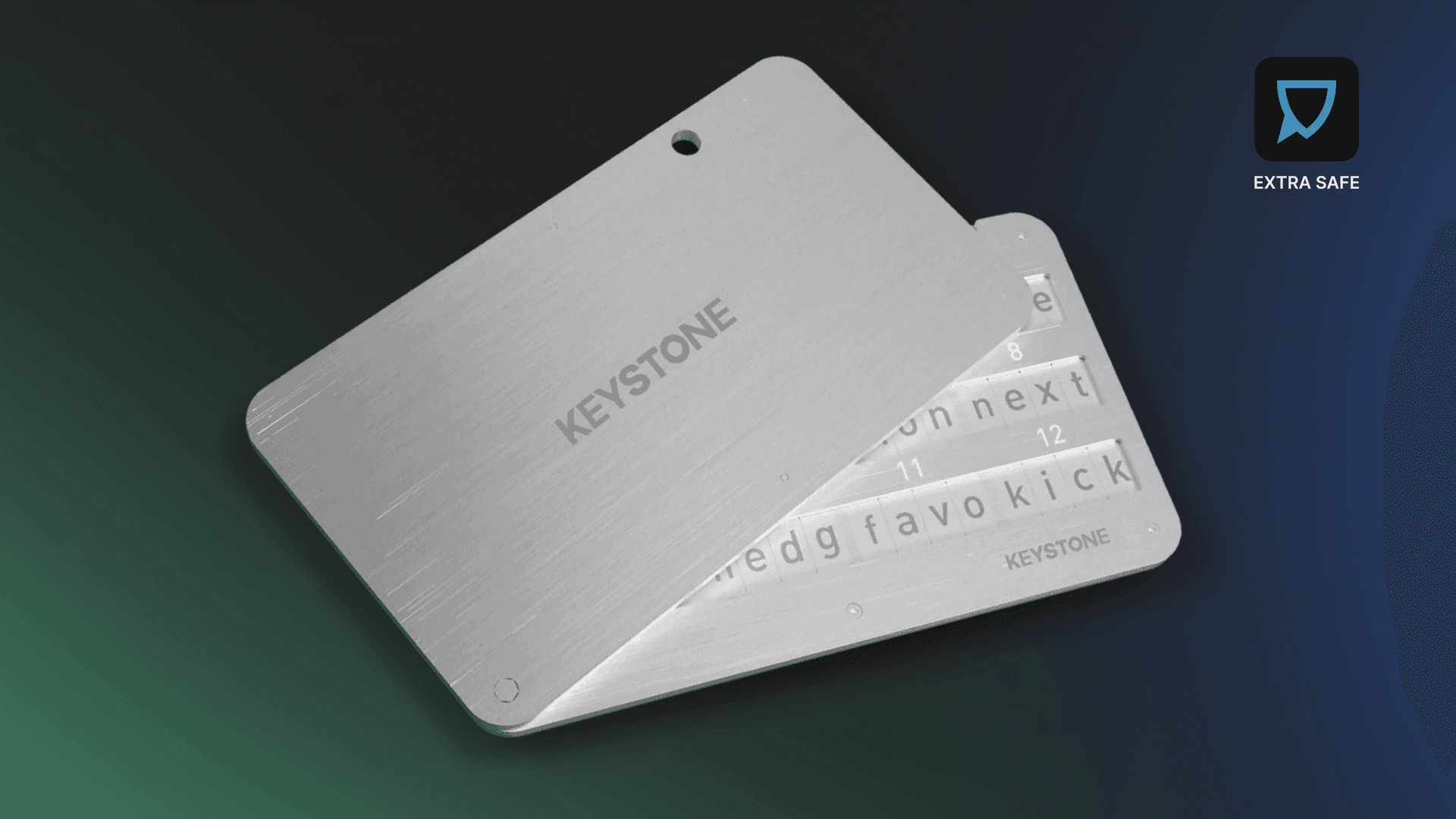
Some users prefer a storage method that reduces reliance on environmental conditions. Metal backups address this by turning the seed phrase into a form designed to last.
Engraved or assembled metal phrases withstand heat, moisture, and physical stress that would destroy paper. This makes them suitable for long-term storage, especially when the goal is continuity over years rather than convenience.
Metal does not solve access control on its own. Like paper, it should be stored in a secure physical location. Its advantage lies in resilience, protecting the phrase against accidents rather than exposure.
QR-Based Storage: Password-Protected by Design
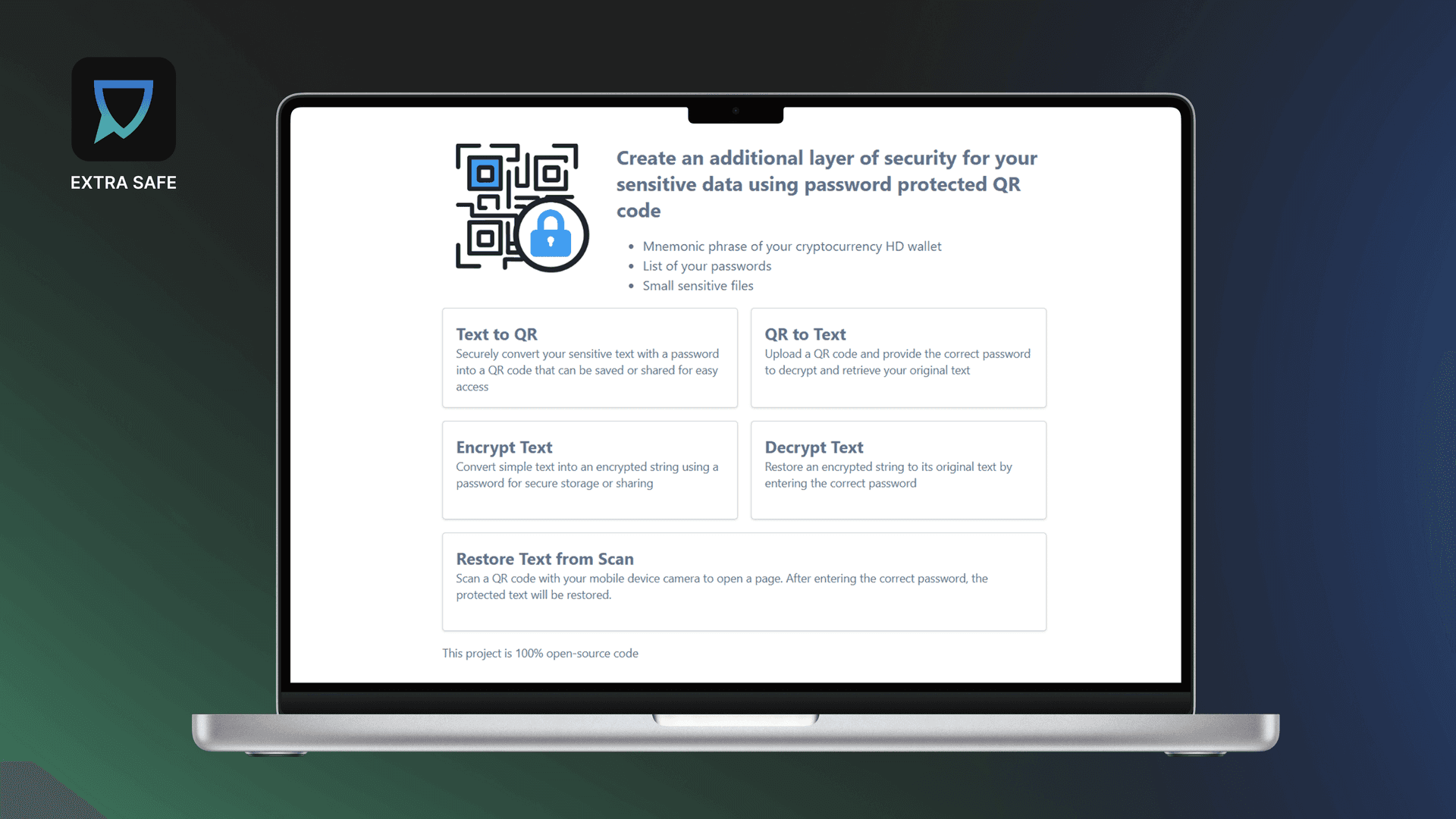
QR-based storage converts the seed phrase from readable words into a scannable format and secures it with a password. Instead of storing the phrase in plain text, it is encoded and locked before being saved or printed.
The process is straightforward. You enter the seed phrase, generate a QR code, and set a password that protects the content. Even if the QR code is found, it remains unusable on its own. Access requires the correct password, which separates storage from recovery.
Tools like Text2QR support this approach by allowing users to generate password-protected QR codes for sensitive information such as mnemonic phrases. This method combines offline storage with controlled access and reduces the risk of accidental exposure.
Applying Seed Phrase Principles to EXTRA SAFE Chat
EXTRA SAFE Chat is built on a crypto-native architecture. Instead of accounts managed by central systems, access is restored through a seed (Backup) Phrase, which follows the same logic as a crypto wallet recovery phrase.
This phrase reconnects users to their EXTRA SAFE environment - including their number, contacts, and chats. Control remains with the user, and recovery depends on how the phrase is stored.
If you have already started using EXTRA SAFE Chat and have not saved your Backup Phrase yet:
Open the EXTRA SAFE Chat on your phone
Go to the ‘More’ tab in the bottom navigation bar
Open ‘Account’
Select ‘Backup Phrase’
Save the 12 words shown in a specific order, using a storage method that fits your needs
If you are downloading EXTRA SAFE Chat for the first time, complete the initial setup first, then follow the same steps to view and save your Backup Phrase.
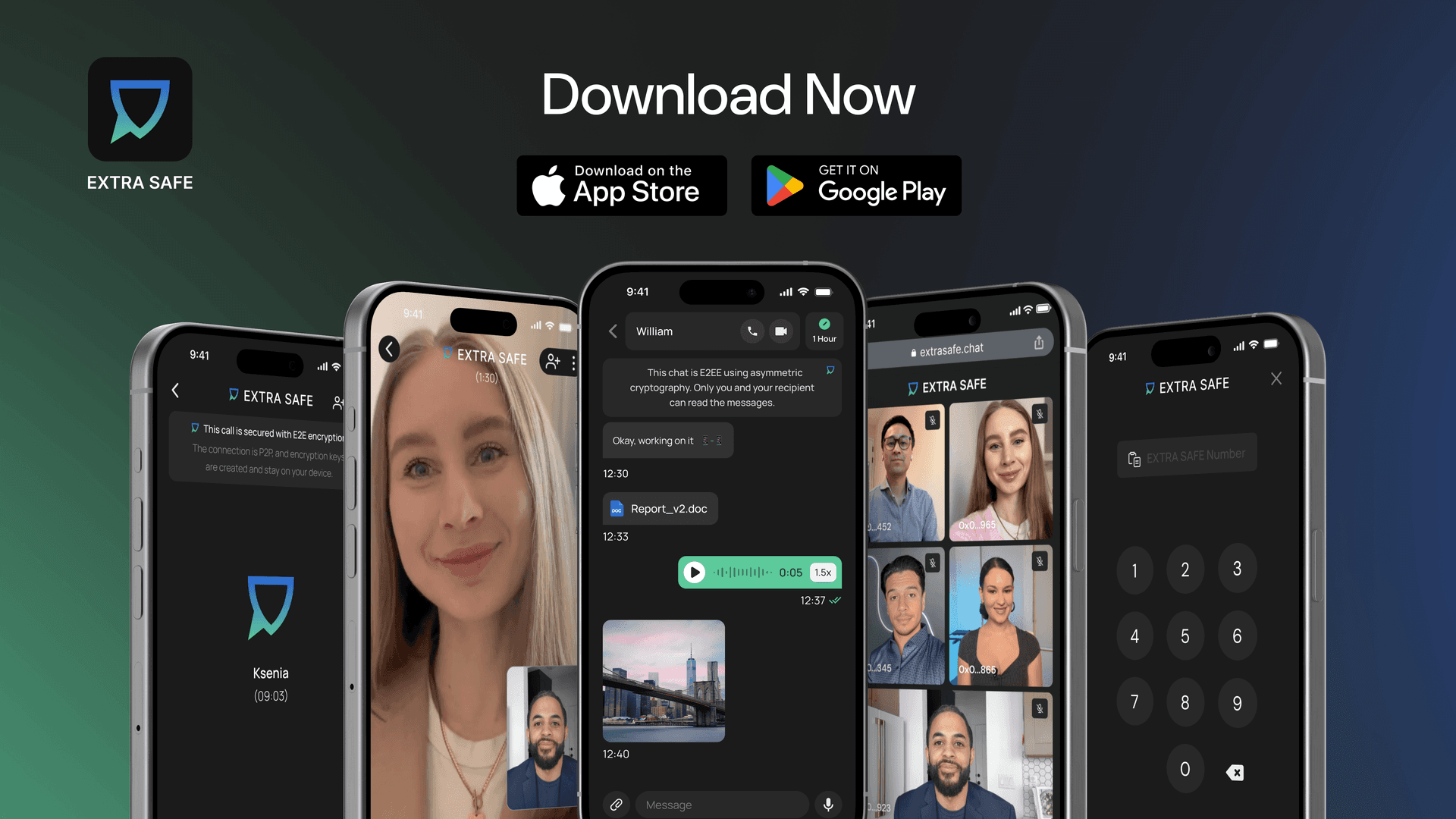
Still not using EXTRA SAFE Chat? Download it on iOS and Android. Prefer a browser version? Visit extrasafe.chat