December 24, 2025
NEW FEATURE ALERT: Updated Contacts Management Experience in EXTRA SAFE Chat
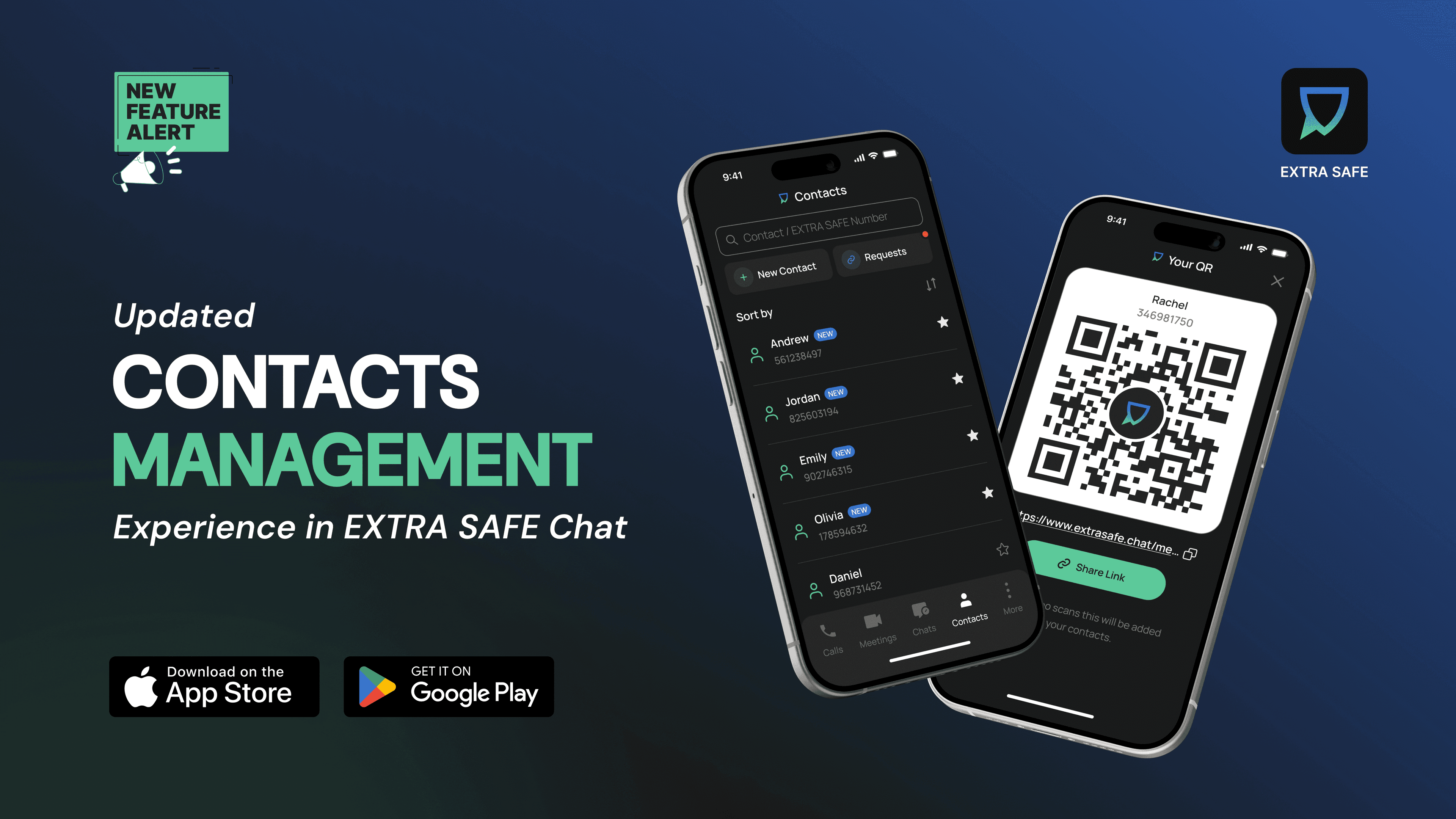
Staying connected online is better with a clear and simple way to organize your contacts: a direct path to add someone, a place to approve new requests, or a way to keep your closest contacts within reach. The new contact management experience in EXTRA SAFE chat brings all of this into one structured view, shaped around the way you navigate your conversations.
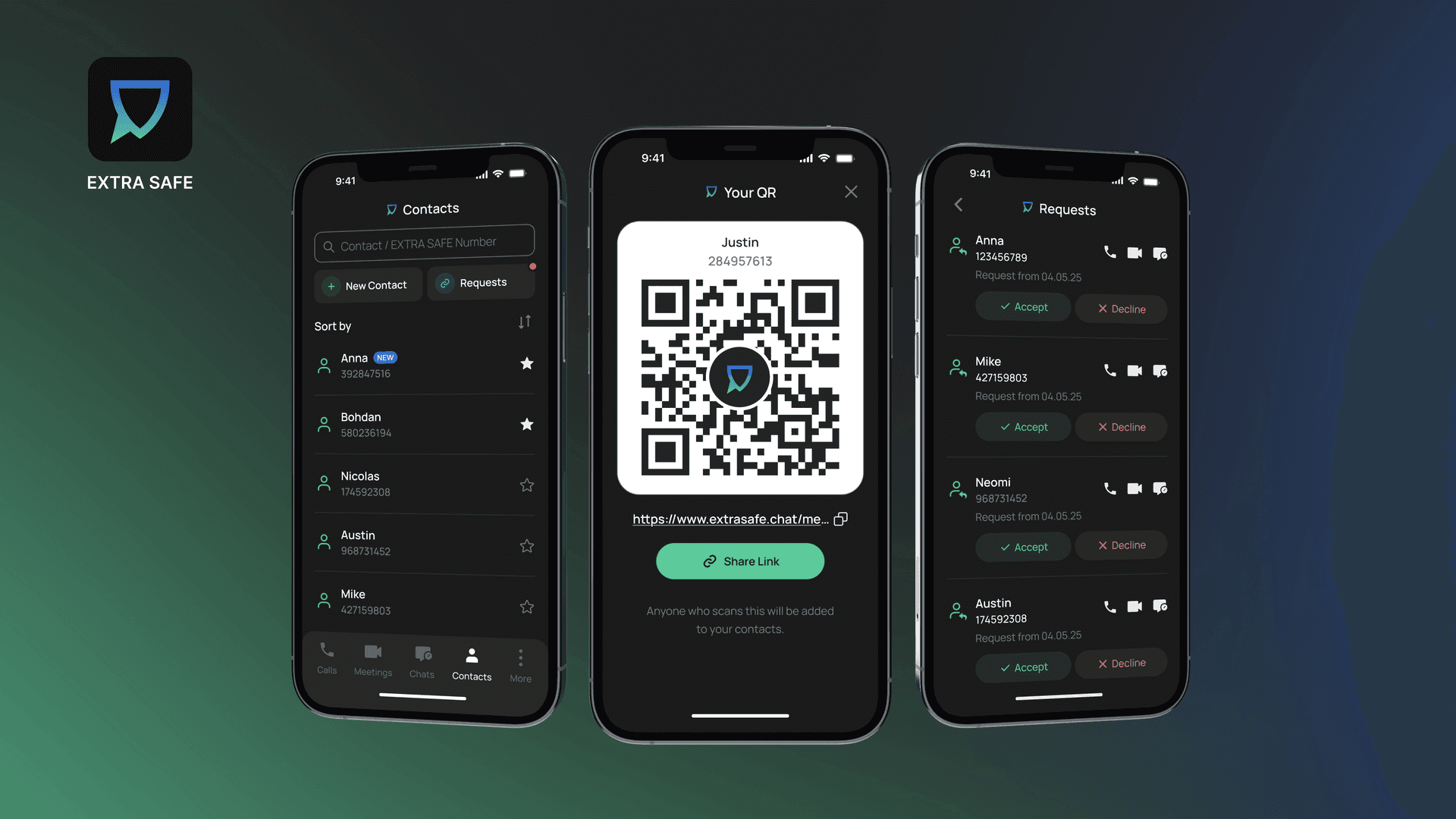
Share Contact Via QR Code
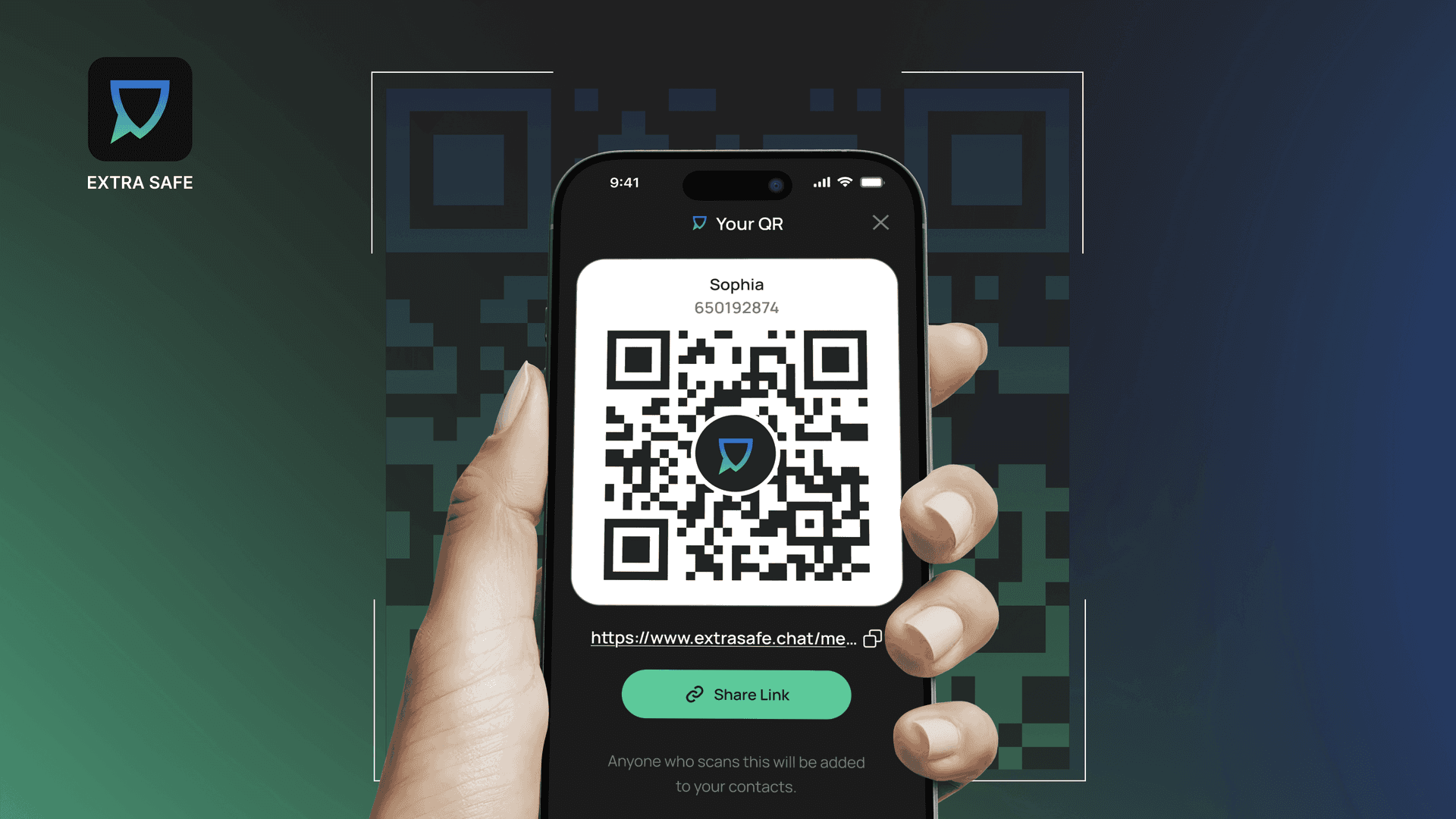
You can now share your contact through a QR code, a shareable link to your contact details, or your EXTRA SAFE Number. When the person opening your QR code scans it, your contact is added to their contacts list right away, and you receive a contact request to approve.
If the person opening your QR code does not have the EXTRA SAFE app installed, the link redirects them to the app store. After installation, your contact appears in their contacts list automatically, ready for approval and use.
Accept/Decline New Contacts (Pending List)
New contact invites are gathered in a pending list, where you review and approve connections before they are added to your contacts. This creates a clear pause between an invitation and a saved contact, keeping your contact list intentional and organized.
Mark Favorite Contacts at the Top
You can star up to five contacts who stay at the top of your list, giving you direct access to the conversations you return to most often.

These new ways to connect in EXTRA SAFE Chat follow the same privacy model that shaped the app from the beginning and helped us reach more than 400,000 downloads in 11 weeks:
Anonymous identity backed by Ethereum-like cryptographic identifiers.
Asymmetric encryption for messages, files, and images.
P2P exchange for voice and video streams, together with screen sharing.
Today’s release responds to feedback we received through our public portal, where users asked for a more structured and flexible contact system. That feedback also defined a broader set of updates, including encrypted file and image sharing in EXTRA SAFE chat.
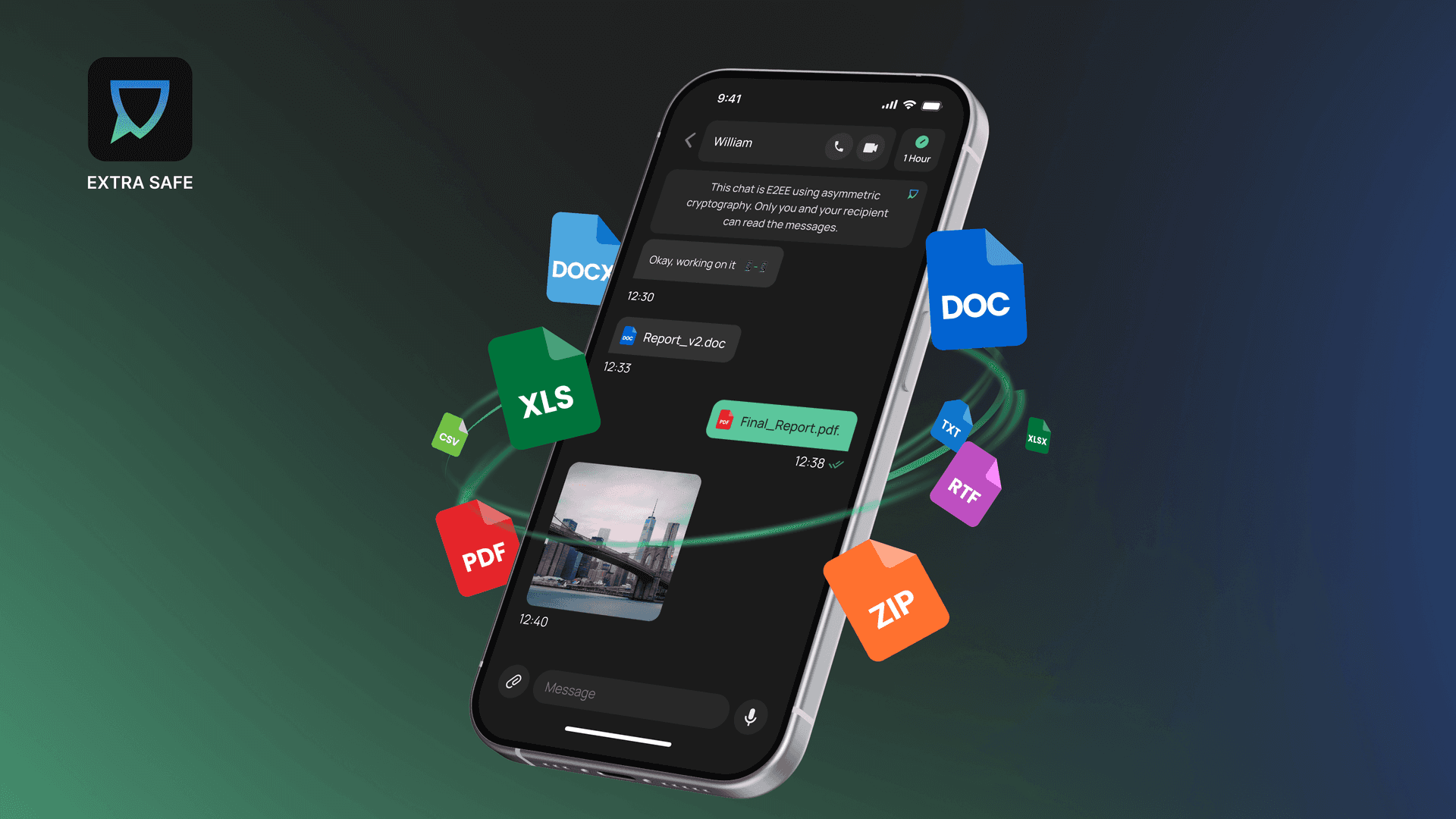
With this feature, you can send messages, images, and files in one encrypted chat. You set a timer for 1 minute, 1 hour, 1 day, 1 week, or the new 1-month option. When the time is up, everything you shared in that chat disappears from both devices.
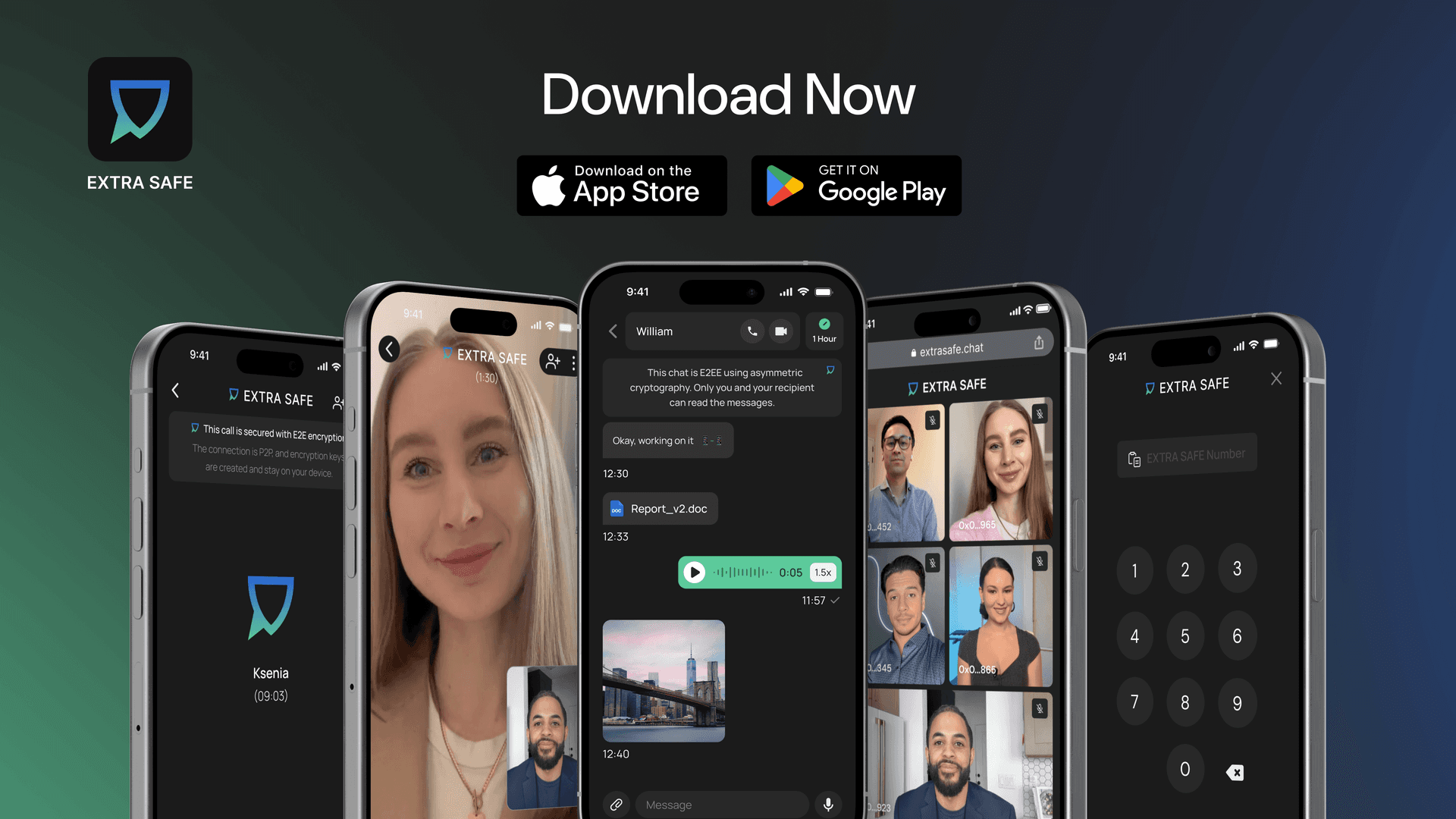
Ready to try it in your own conversations? Download the app for iOS and Android.
Prefer desktop? Start a private meeting from your browser at extrasafe.chat