Screen Sharing App
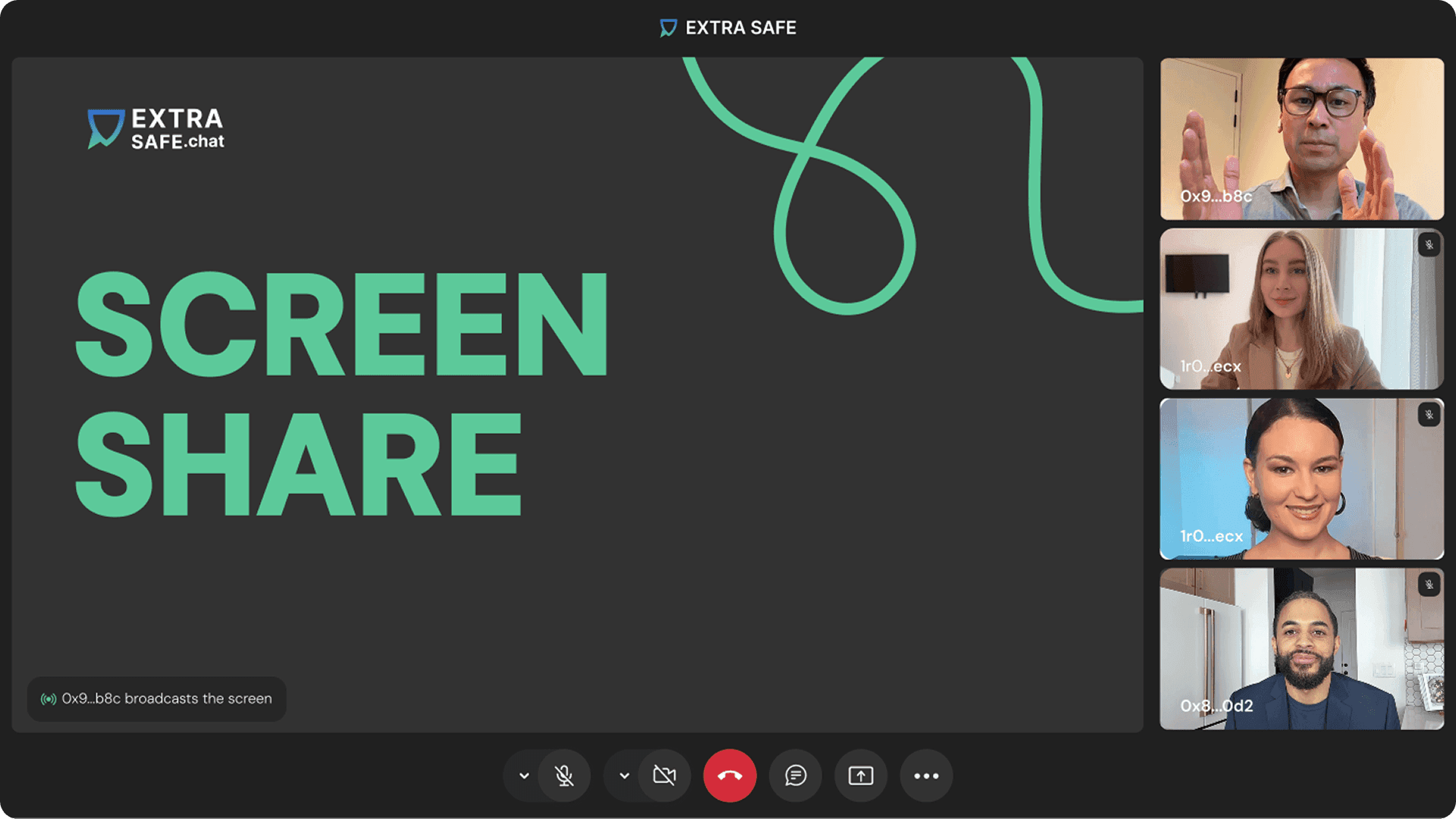
Share your screen securely right from your browser. With EXTRA SAFE, your calls connect P2P, meaning the voice and video streams go directly between devices. Send a link, join in seconds, and share freely for as long as you need.

Private & Anonymous

Blockchain Algorithms

Unlimited Time

P2P Connection

Any Device

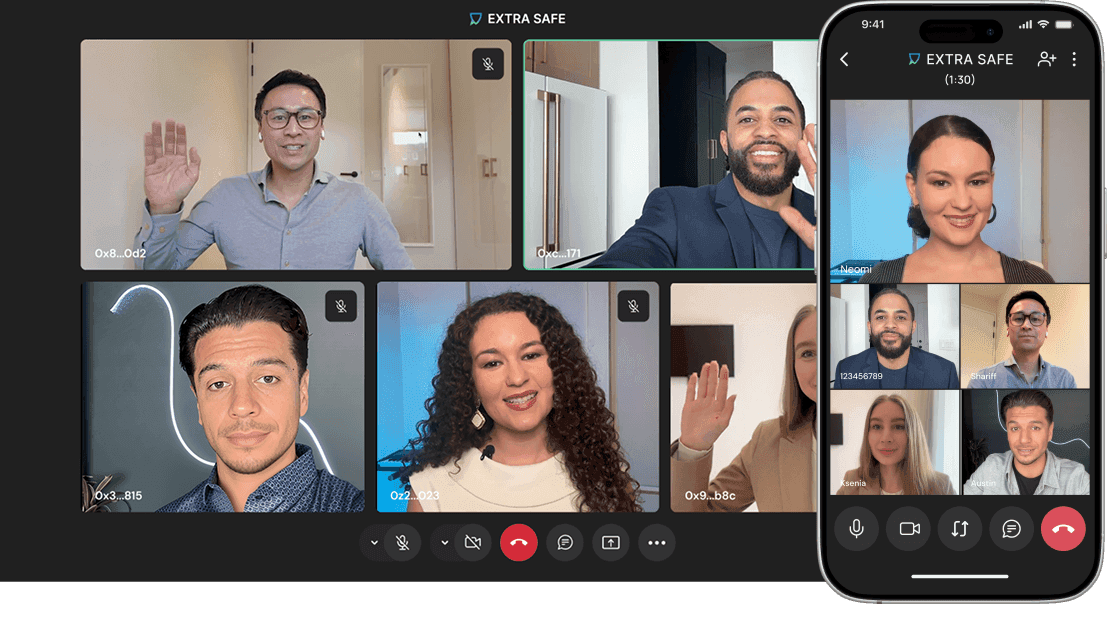
Up to 5 Participants
Private Screen Sharing
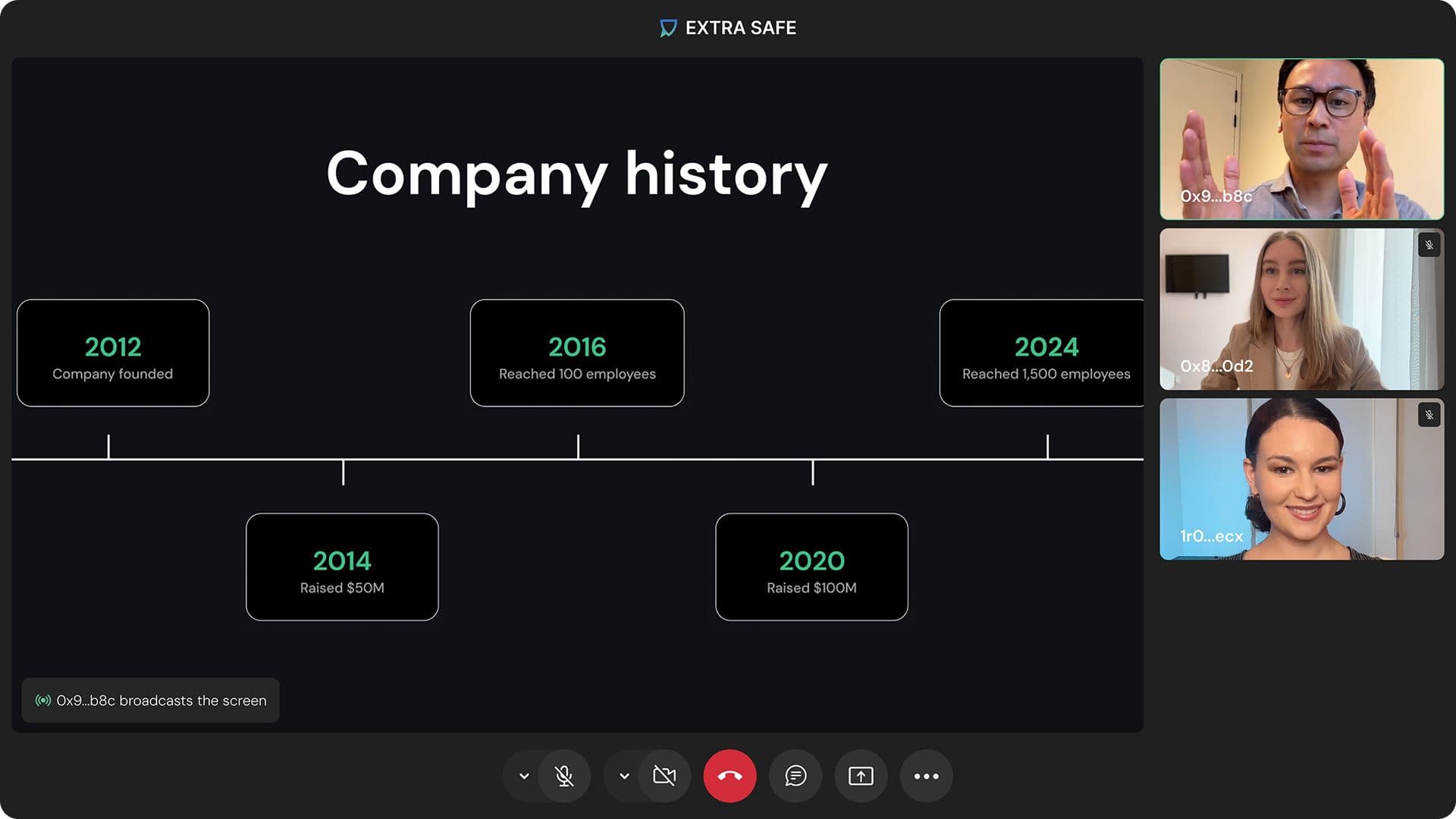
Start a private call with a screen-sharing session from your browser. Anyone can join you with a single click, without signing up, preserving their privacy.
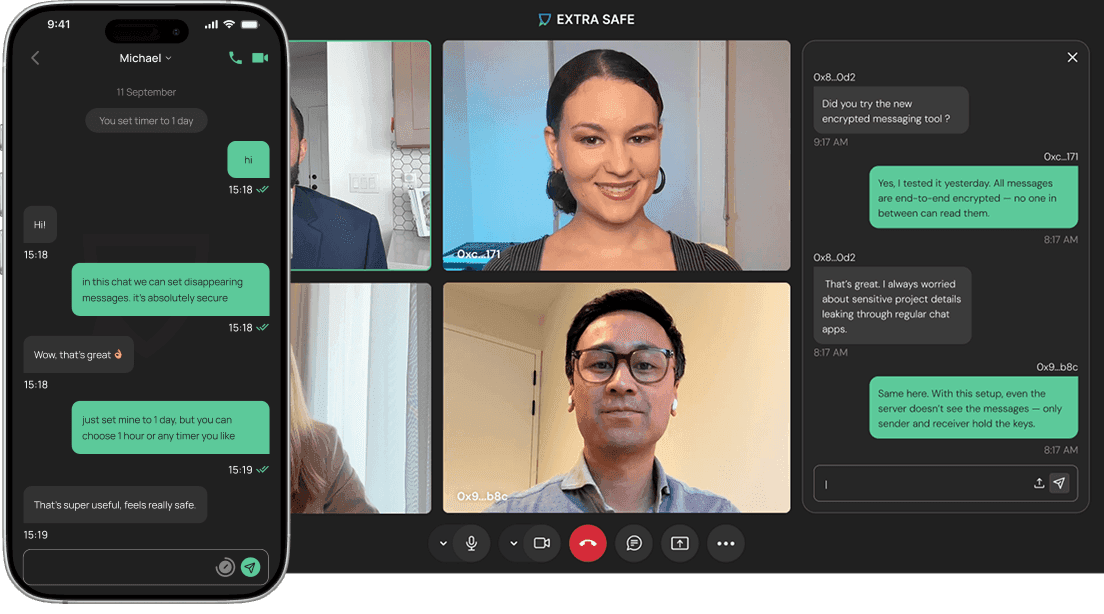
Once everyone leaves, the “virtual room” disappears completely, along with the in-call chat content. No one can re-enter the call session via the existing link and see the chat history or the list of participants.
Secure Screen Sharing
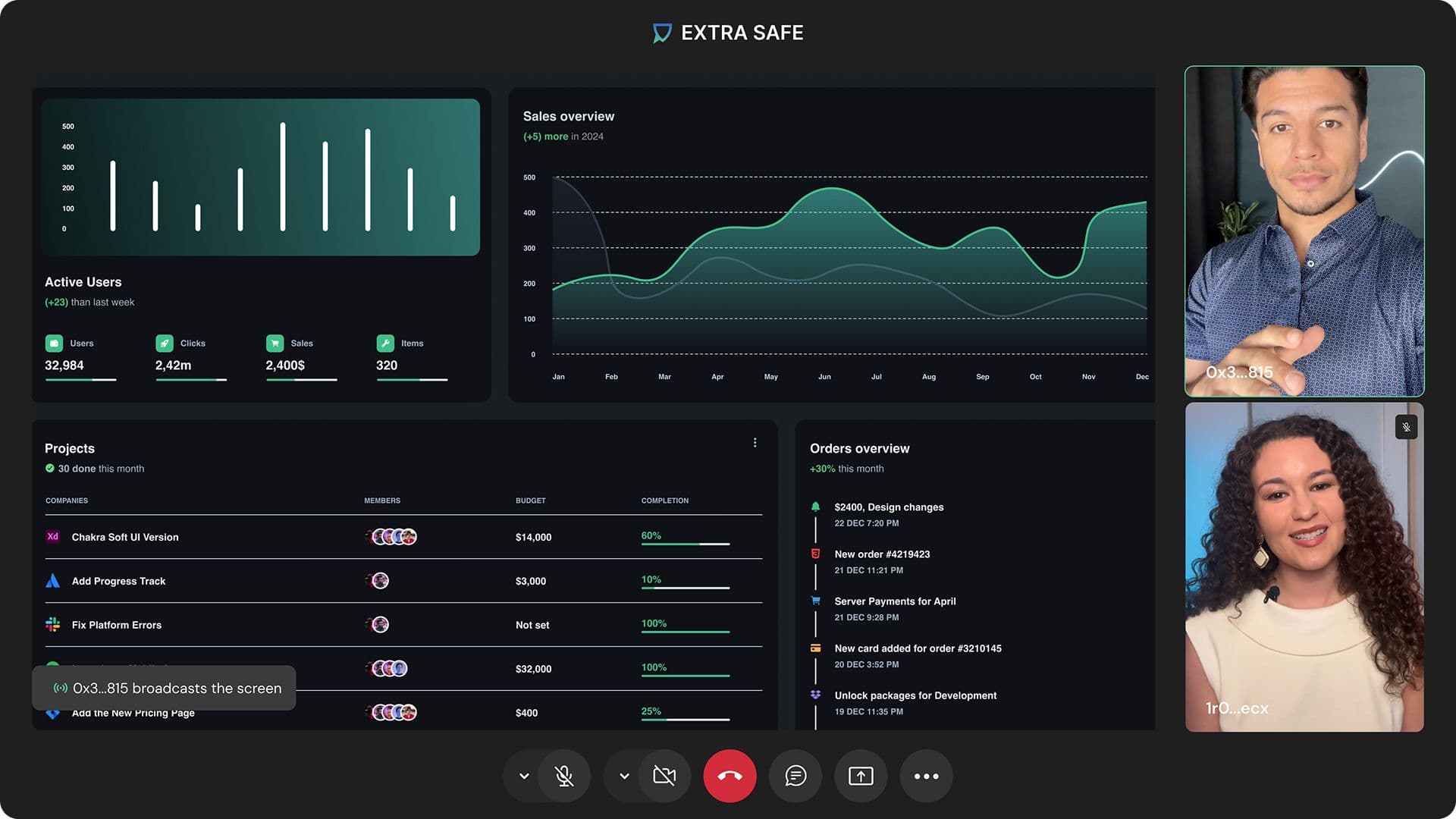
Share your screen seamlessly during a video call. All sessions are peer-to-peer, meaning your screen data is sent directly to the devices of participants.
Whether delivering a live demo or presenting sensitive materials, enjoy a secure connection, high-quality video, and unlimited time for your discussions.
How to Start Free Screen Sharing
 2
2Share the Link
Send the link directly to other participants.
 3
3Click “Join” and Share Your Screen
Once they join, click the screen sharing icon to start sharing.
What's Unique in Our Online Screen Sharing Feature?

Private
Start a screen-sharing session right in your browser, without downloads or sign-ups – EXTRA SAFE never requires your personal data. Once the call ends, all data related to it is automatically destroyed.

Fast
Start sharing your screen in just four clicks and in under 15 seconds. This makes it one of the most seamless and private screen-sharing experiences available. Screen sharing works smoothly from any browser or device.

Secure
All screen-sharing sessions on EXTRA SAFE are P2P, meaning the streams go directly to participants’ devices, without passing through third-party servers. Once the call ends, the information about the call and its participants, as well as in-call chat messages, is automatically deleted.

Free
EXTRA SAFE offers high-quality screen sharing for free. It's built for instant access and simplicity. Just click, share, and collaborate. Whether it’s a team meeting, a business call, or pricing discussions, get started in seconds with our intuitive, browser-based solution.
More Features
FAQs
What is EXTRA SAFE screen sharing?
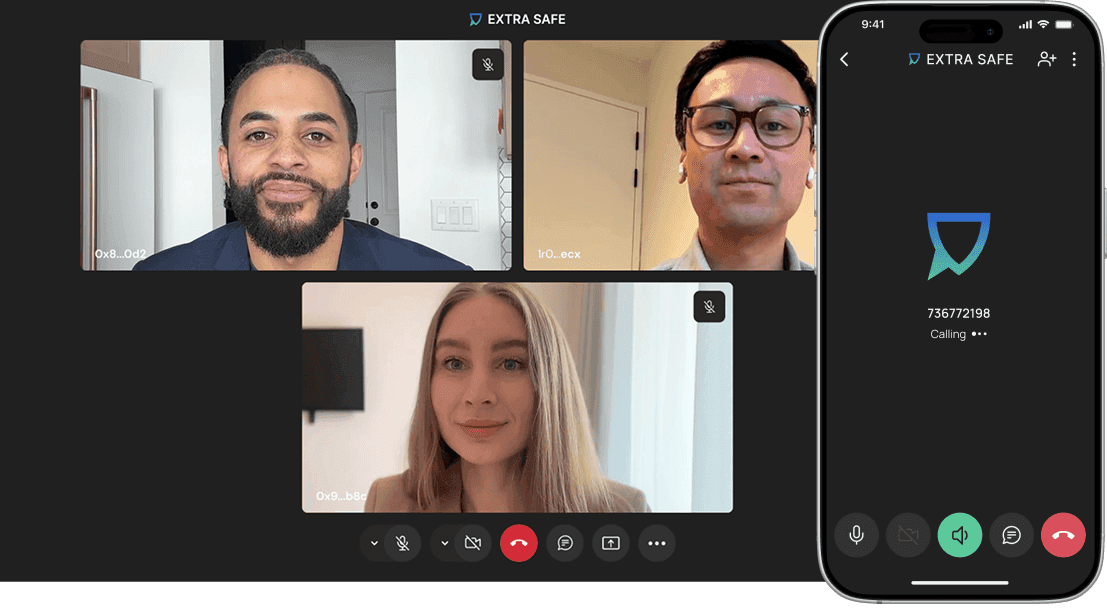
EXTRA SAFE screen sharing is a free, secure, browser-based tool that enables you to effortlessly share your screen with others. This feature simplifies collaboration and presentations like never before. It’s identity-free, does not require software downloads, and offers an unlimited time for collaborating. Just share the link for participants to join the call.
Is screen sharing with EXTRA SAFE secure?
Yes, extremely. We use P2P connections and asymmetric encryption, meaning your screen data goes directly to the viewer without passing through a central server. No one else can intercept or access your session.
How does EXTRA SAFE protect my privacy during screen sharing?
Privacy is our top priority. We don’t require any personal information, and the meeting data transferred between you and your colleague never goes through any server. All session data is deleted once the call ends, ensuring the highest level of online privacy.
Are there time limits for screen sharing?
You can have a video call with a screen-sharing session for as long as you need. EXTRA SAFE is a free screen-sharing and video conferencing platform without time limits. Whether it’s a quick walkthrough or a full-on training session, you're never cut off.
Can I share my screen while having an online meeting?
Yes, absolutely! Screen sharing is a built-in feature integrated into our robust video conferencing platform, allowing you to seamlessly share your screen while having a face-to-face video call.