January 7, 2026
Categories:
Microsoft Teams’ Impersonation Vector: Insights from Check Point Research
Have you ever opened a work app and instantly trusted the name you see on a message or a call? Most people do. A familiar title, a known executive, a colleague’s face - these small cues quietly guide our decisions in seconds. However, the same signals that make work feel smooth and familiar can also be quietly abused.
Recently, the security team at Check Point Research showed how fragile those signals can be. In a new analysis of Microsoft Teams, they uncovered four vulnerabilities that allowed attackers to impersonate executives, rewrite messages, alter notifications, and even forge identities in video and audio calls.
Check Point Research responsibly disclosed these findings to Microsoft in March 2024. Microsoft acknowledged the report, investigated the issues, and rolled out fixes over time. By late 2025, all reported vulnerabilities had been addressed, including the notification spoofing flaw, which was tracked as CVE-2024-38197.
How Attackers Could Exploit Microsoft Teams
1.
Editing Messages Without Trace: Microsoft Teams assigns each message an internal ID that is meant to keep that message fixed in the conversation. Check Point Research discovered that an attacker could craft a new request reusing this same ID and effectively replace the original message without triggering the usual “Edited” label. In real life, this means someone could first send a harmless message and then silently swap it for a fake approval, a changed instruction, or a different link, while the chat still appears clean and unchanged to everyone reading it.
2.
Manipulating Notifications: Teams notifications rely on a display field that tells the user who a new message appears to come from. The researchers found that this field could be manipulated so that notifications showed the name of a CEO, finance director, or any internal role, even when the actual sender was a guest or low-privilege account. A person just glancing at a lock screen or desktop banner would see a trusted name, feel the urgency behind it, and react quickly, while the true identity of the sender remained hidden inside the payload.
3.
Altering Display Names in Private Chats: Teams includes a feature for setting a “topic” in group chats to make them easier to organize. During their analysis, the researchers learned that this same mechanism could also be applied to one-to-one conversations. By changing this property, an attacker could rename a private chat for both participants, so the conversation looked as if it belonged to someone else. As a result, a user scrolling through their chat list might believe they were replying to a colleague or a department, when the entire time they were still talking to the attacker.
4.
Forging Caller Identity in Video/Audio Calls: When a call is initiated in Teams, the application sends a request that includes the display name of the caller. Check Point’s team showed that this value could be altered before the call reached the recipient, causing the incoming call screen to show any identity the attacker chose. On the receiving side, it could look like a call from an executive, a manager, or an internal team, even though the account behind it was external. In a high-pressure situation, such as a financial decision or a security briefing, that forged identity could easily influence what someone shares or agrees to on the call.
Why Microsoft Team’s Vulnerabilities Matter
The four flaws discovered in Microsoft Teams strike at the heart of how organizations trust and act on collaboration tools. We already know that threat actors have used Teams itself for targeted social engineering, sending credential-theft lures via chat in real operations attributed to Midnight Blizzard (APT29). When the platform also allows message content, notifications, chat labels, and caller names to be manipulated, it stops being a reliable surface for “who said what” and starts looking more like an untrusted narrative space that attackers can rewrite.
For organizations moving toward Zero Trust, this cuts against a core assumption: that identity and session context inside enterprise tools can be used as stable signals for policy and human decision-making. NIST’s Zero Trust guidance explicitly stresses removing implicit trust in users and devices and continuously validating identity and context.
A system where a low-privilege guest can convincingly appear as a C-level executive in chats and calls violates that principle at the UX layer, even if the cryptography and access controls underneath remain intact. Combined with the broader trend ENISA highlights - social engineering and information manipulation as top, growing threat classes - The Teams flaws are less “four bugs” and more a demonstration of how easily epistemic trust inside modern workplace tools can be bent, which is exactly the layer that privacy and security teams increasingly depend on.
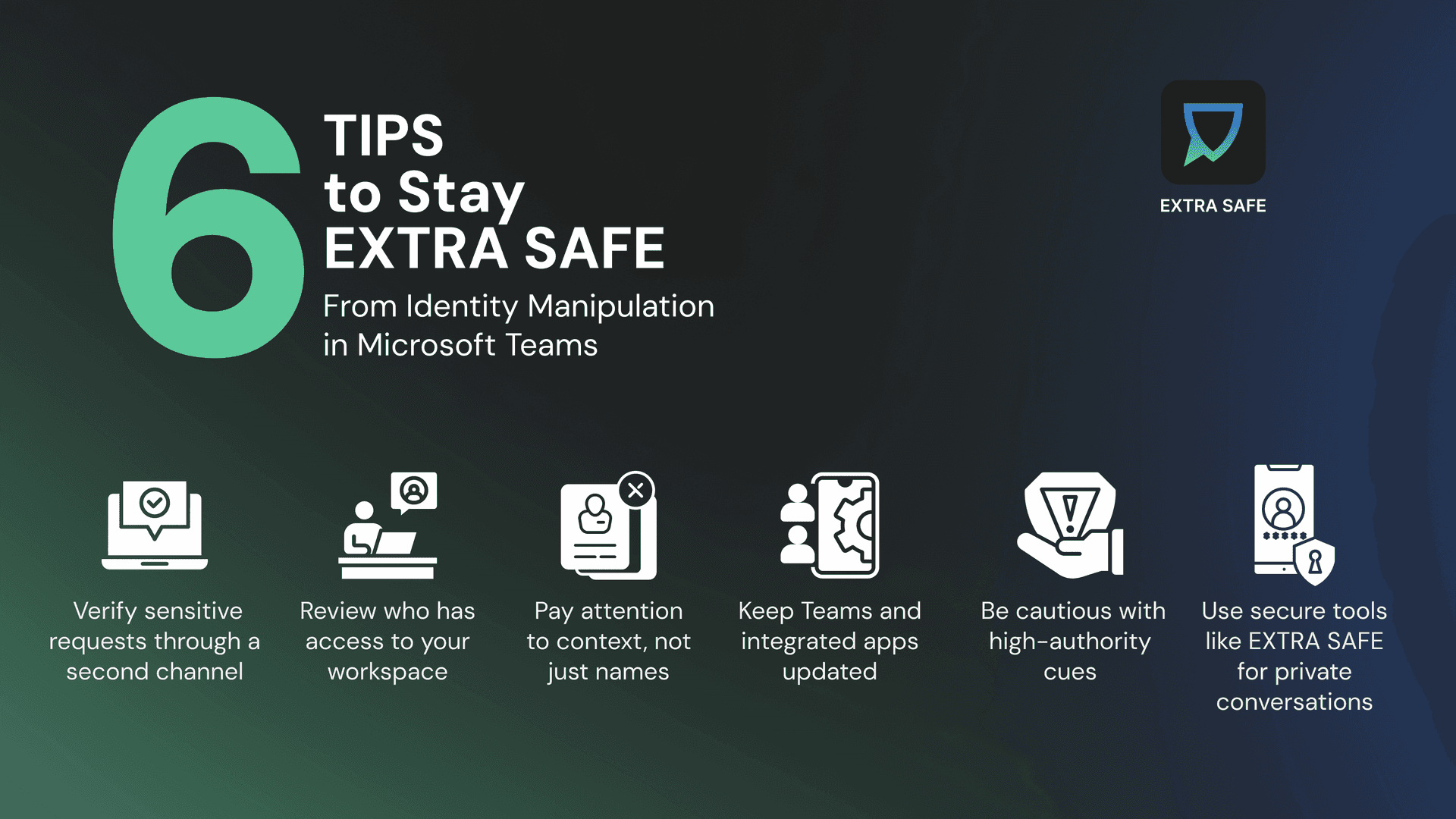
How to Stay EXTRA SAFE From Identity Manipulation in Microsoft Teams
1.
Verify sensitive requests through a second channel: If a message or call involves money, credentials, contracts, or anything urgent, confirm it separately - through a phone call, a direct message, or an in-person check. A quick verification removes the pressure attackers rely on.
2.
Review who has access to your workspace: Guest accounts and external collaborators are often overlooked. Regularly reviewing who is present in shared teams and channels helps reduce exposure to impersonation attempts that originate from low-privilege accounts.
3.
Pay attention to context, not just names: If a chat title looks different, a notification arrives at an unusual time, or a familiar name appears in an unexpected thread, pause before responding. Small inconsistencies are often the earliest signs of manipulation.
4.
Keep Teams and integrated apps updated: Patches for identity spoofing and message integrity rely on up-to-date clients. Ensure desktop, mobile, and browser versions are using the latest available updates across all devices.
5.
Be cautious with high-authority cues: Names like “CEO,” “Finance Director,” or “Security Team” naturally trigger fast reactions. Taking a short moment to confirm the request — even in the same chat — significantly reduces the risk of responding to a spoofed identity.
6.
Use secure tools like EXTRA SAFE for private conversations: For discussions involving financial approvals, incident follow-ups, or sensitive information, choose communication tools designed to minimize impersonation risks and provide clear, session-level trust.
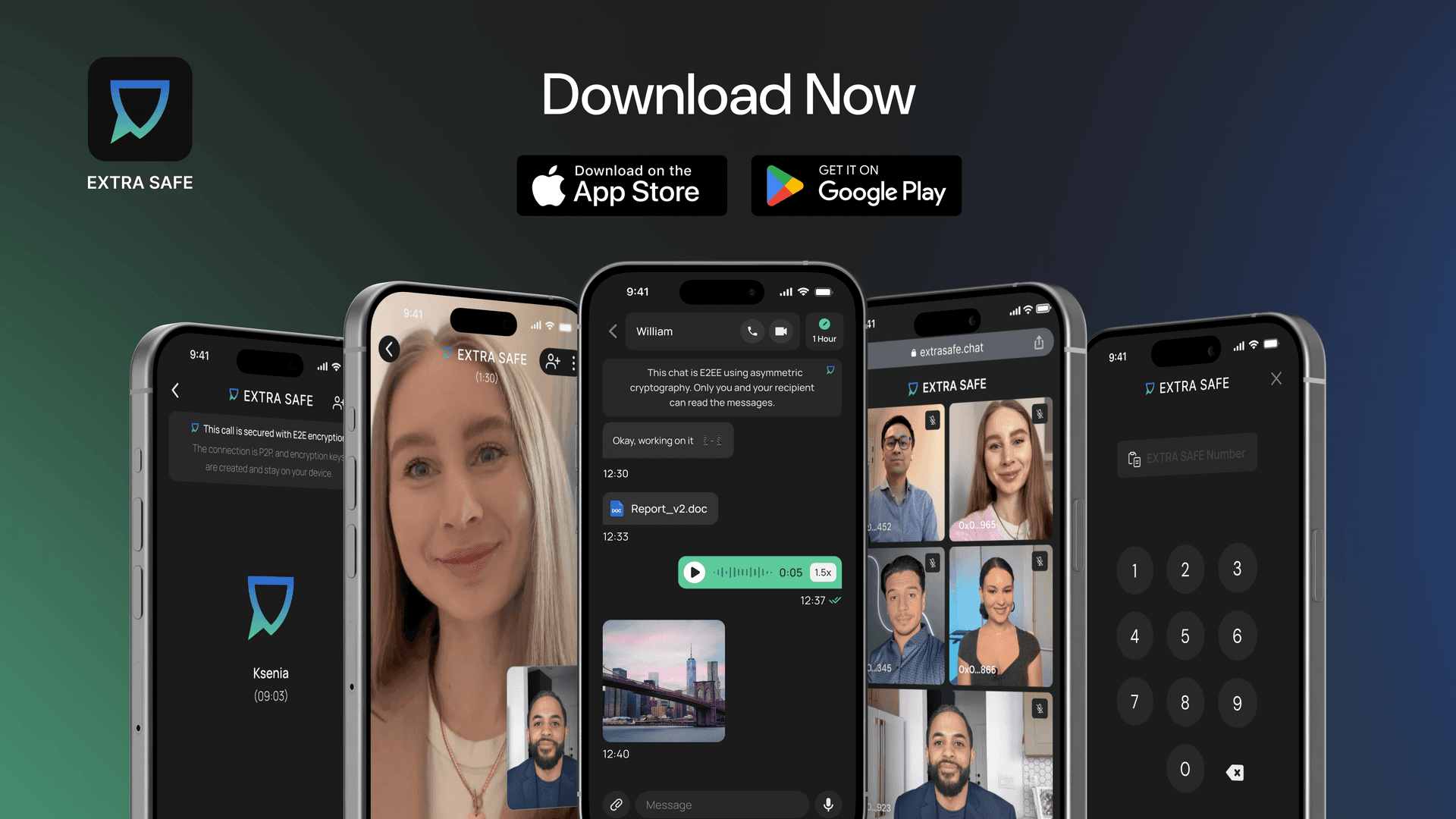
Download the EXTRA SAFE app for iOS and Android
Prefer a browser version? Visit extrasafe.chat