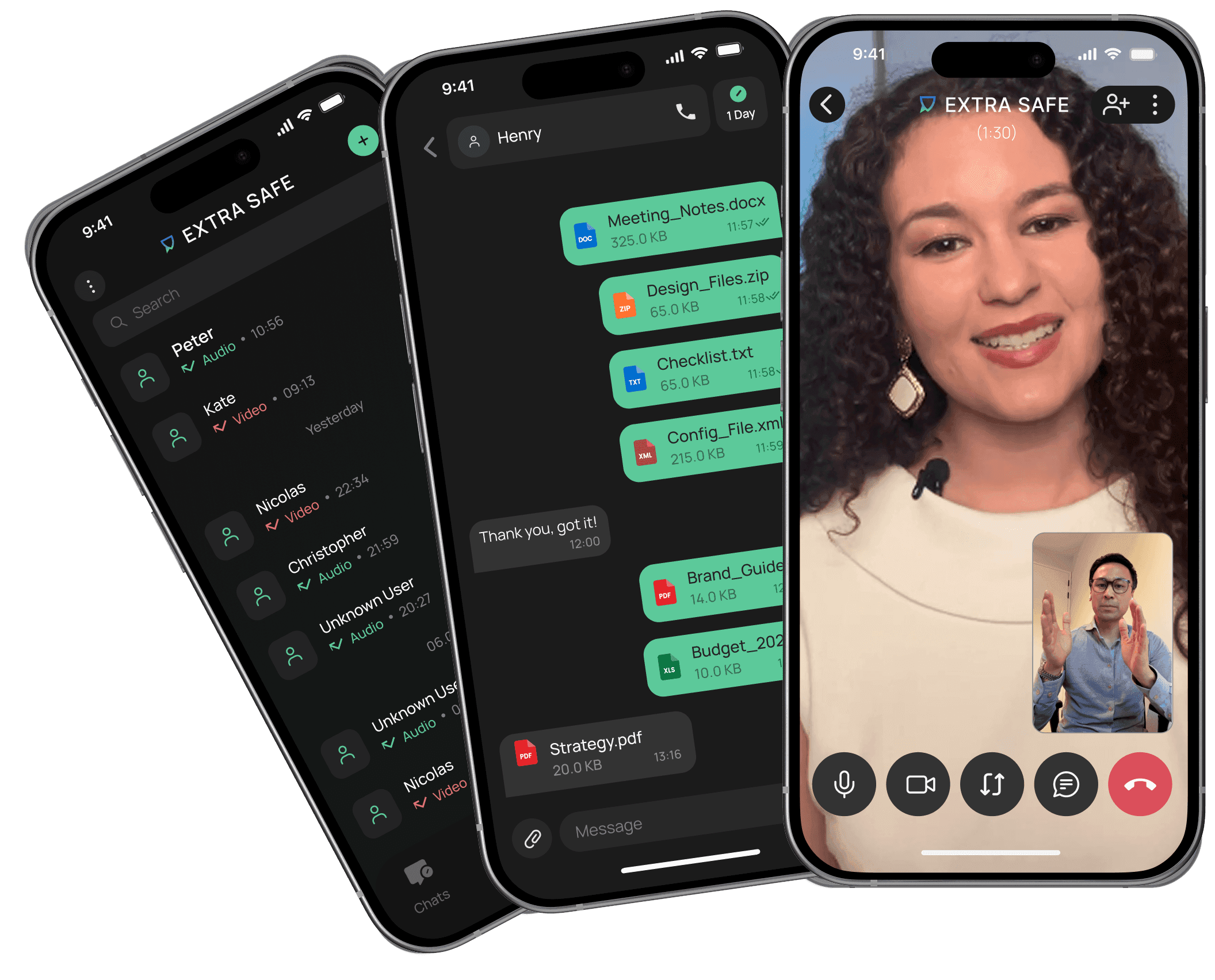
Ephemeral Messaging
Disappearing messages on your timer.
Messages, photos, and files vanish automatically — keeping your conversations alive in the moment instead of piling up in storage forever.
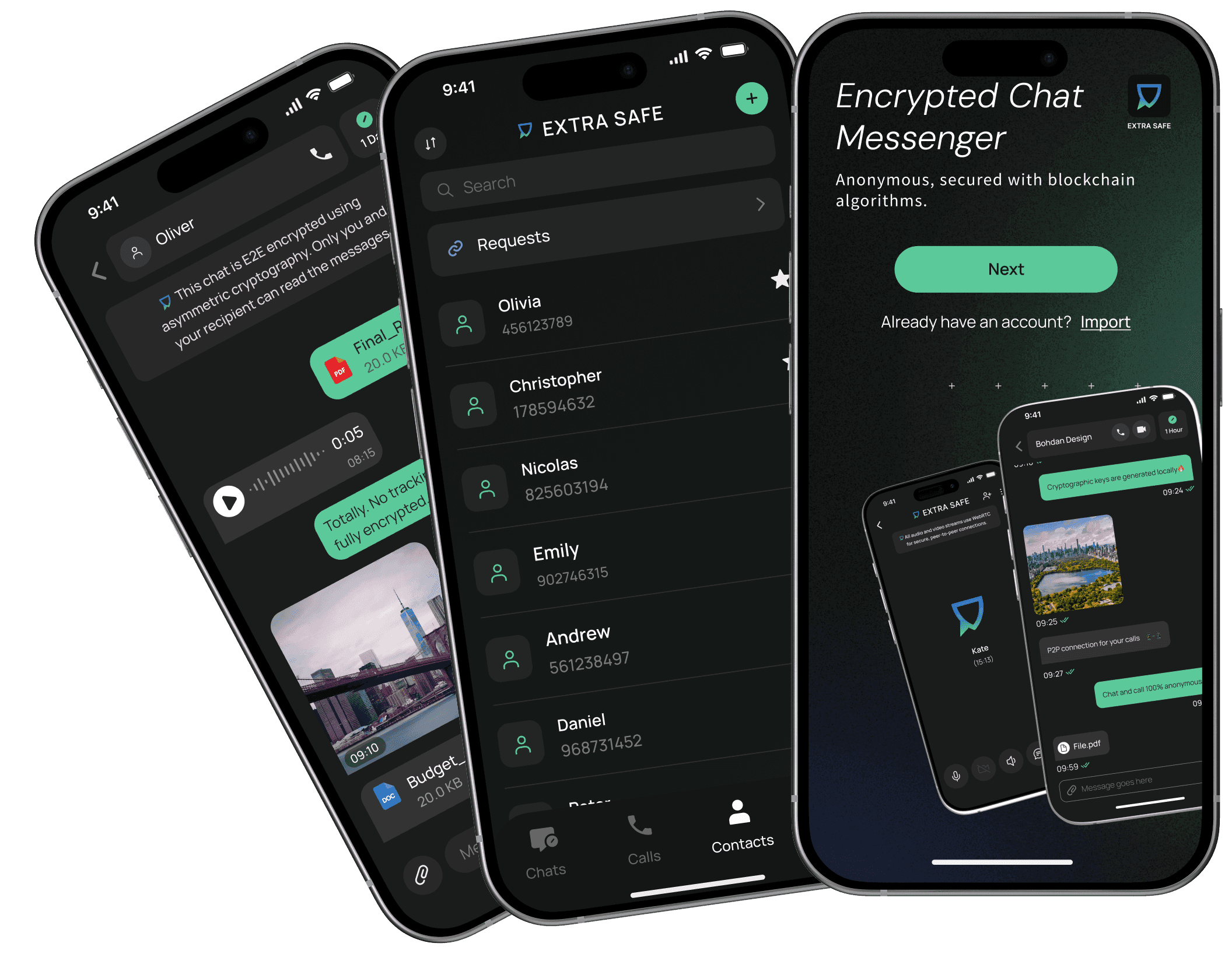
Chat History Clears Automatically
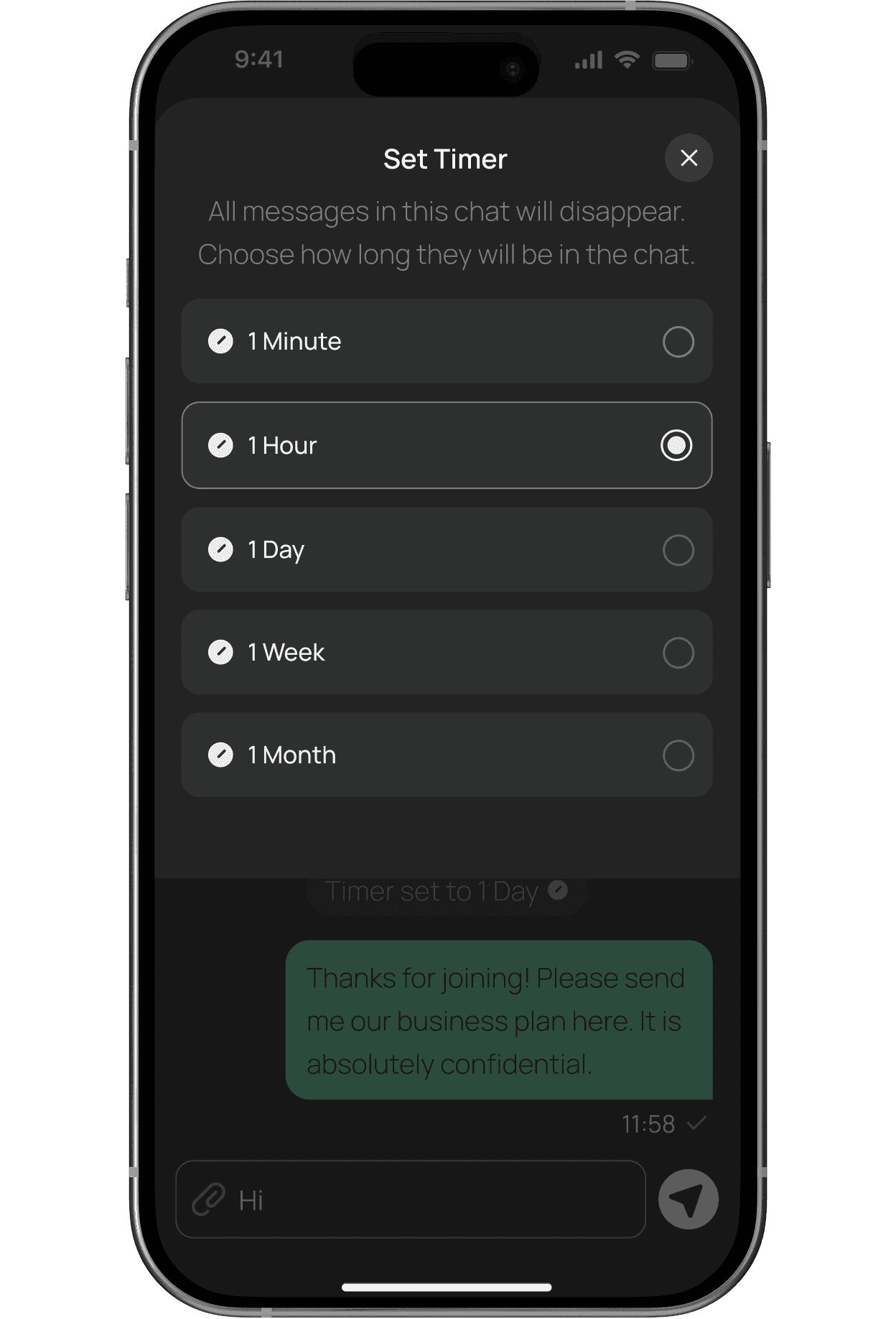
Choose a timer for every chat and watch messages vanish right on schedule.
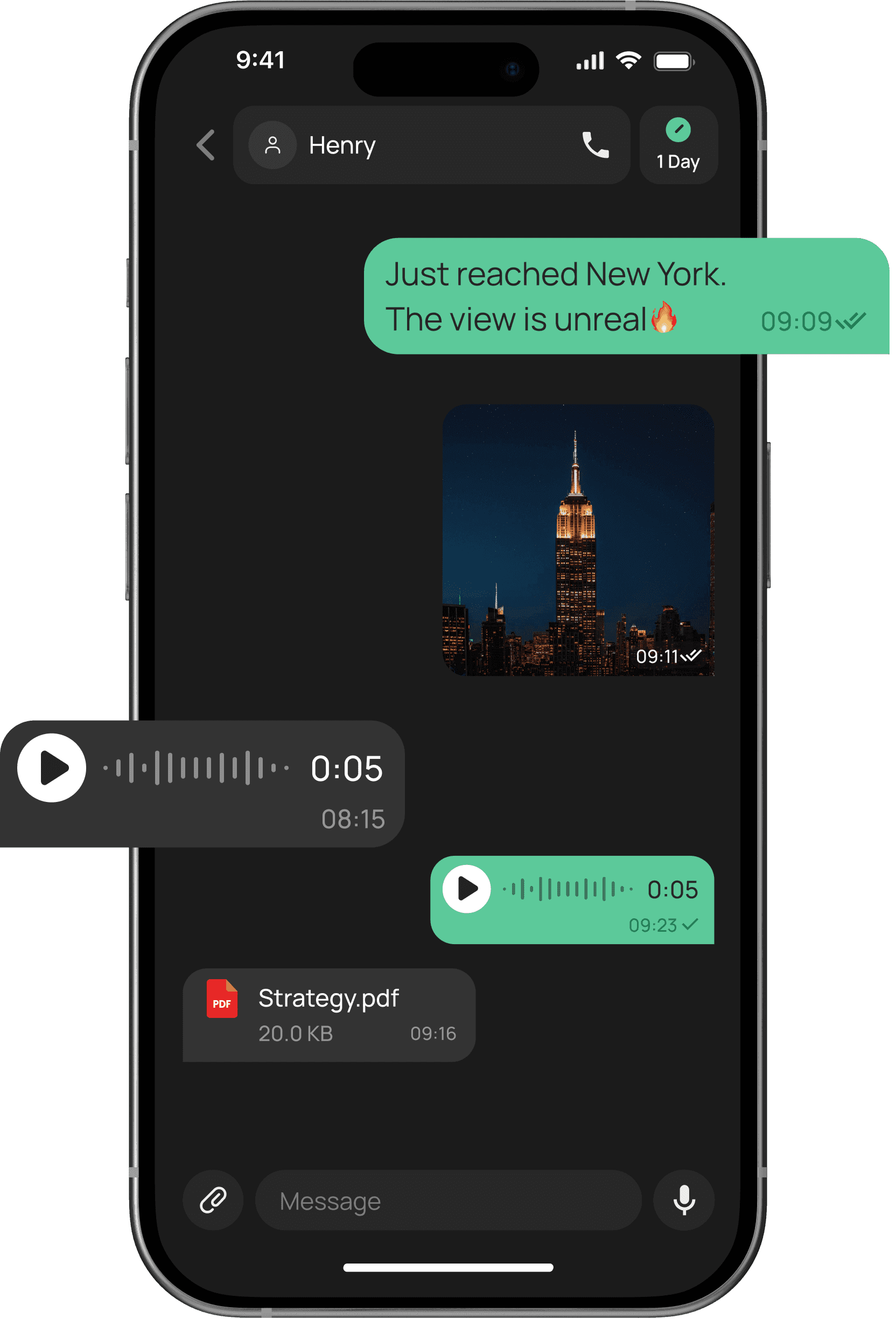
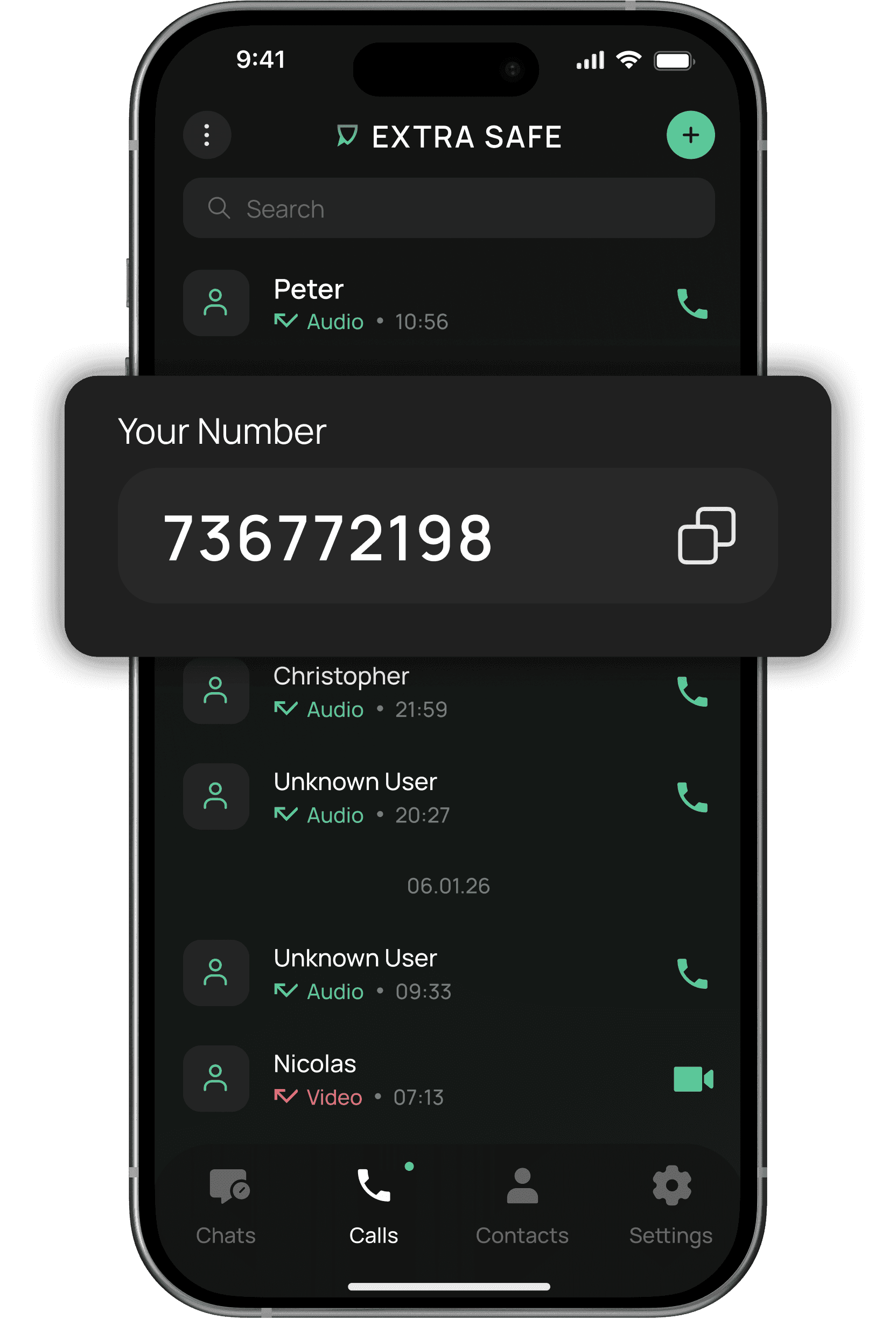
Private, flexible, and ephemeral by default.
How It’s Designed to Work
EXTRA SAFE gives you control over your chats and stablecoin transfers. Messages disappear based on your timer settings, while transfers remain on the blockchain and in Wallet → History.

Custom Control
Set a timer for every chat, whether it’s a quick hello or a conversation that should stay for weeks. You’re always in control of how long it lives.
Designed for Minimal Traces
The system is crafted to keep only what’s needed, leaving a clean, current chat — never a growing archive.
Limited Data Storage
Chats are stored in encrypted form and only for a limited time. When the timer ends, they vanish on their own.
What’s Shared Stays Between You
Your messages, files, and activity stay protected with encryption, visible only to you and your contact.
FAQs
What are ephemeral messages?
Ephemeral messages are conversations that don’t stay stored. Messages, photos, and files are automatically deleted according to the timer you set. Read more about ephemeral messages in EXTRA SAFE Help Center.
Why use ephemeral messages?
They let you share and keep the moment current. What matters stays present, then clears on its own.
Can I choose how long messages last?
Yes. You’re able to choose from 1 minute up to 1 month for each chat.
Do files and images disappear, too?
Photos, files, and voice notes follow the same rules as messages. Everything disappears together based on your chat settings.
Can I turn this feature off?
Ephemeral messaging is part of how the chat works. You control how long conversations stay visible by adjusting the timer. Currently, all messages, photos, and files in every chat follow your chosen timer — a fixed part of the experience for every conversation.
Can messages be recovered?
Once messages disappear, they’re gone for good. The system is designed so every conversation lives only in the moment — encrypted in transit, then cleared for good once the timer runs out.
Where are messages stored before they disappear?
Messages are stored in encrypted form for a limited time. During this period, your messages remain protected with strong encryption and are not accessible to anyone except you and your contact. Even while being delivered or temporarily stored, EXTRA SAFE’s servers carry them in encrypted form only. Messages exist only as long as they need to be delivered and viewed.
Who can see my messages?
Only you and your contact can access what’s inside your chat. Messages are encrypted and not visible to anyone else.
Chat Freely, On Your Own Timer
Share messages, photos, files, make stablecoin payments — all encrypted and temporary.