December 9, 2025
NEW FEATURE ALERT: Send Encrypted File & Image In EXTRA SAFE Chat

Sometimes a message needs more than words: a photo that explains a detail, a document that supports a decision, or an audio file that adds extra context. Starting today, you can do it all on EXTRA SAFE chat.
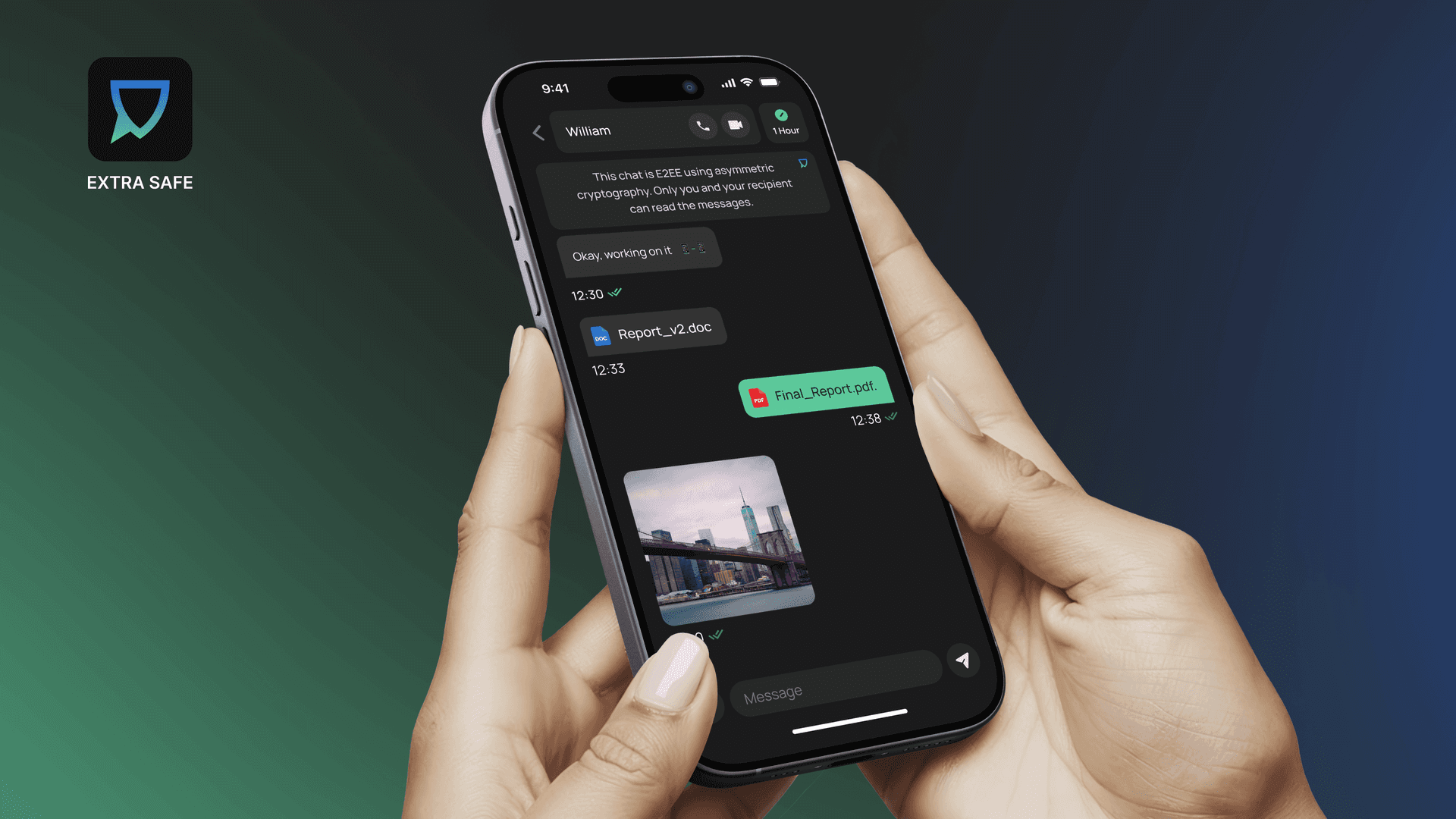
Send Files & Images in EXTRA SADE chat
This update brings more of your daily communication into one encrypted flow, on your own terms. You open a chat and choose its lifespan. From that moment on, everything you share in that conversation, including files and images, follows the same timer you set (1 minute, 1 hour, 1 day, 1 week, or the new 1-month option). When the time is up, everything you sent disappears from both devices.

Timer for disappearing chats extends to new 1-month option”
Among the supported media types you can send are text documents, images, short videos, and audio files, giving you more ways to express and share what matters in a single conversation.
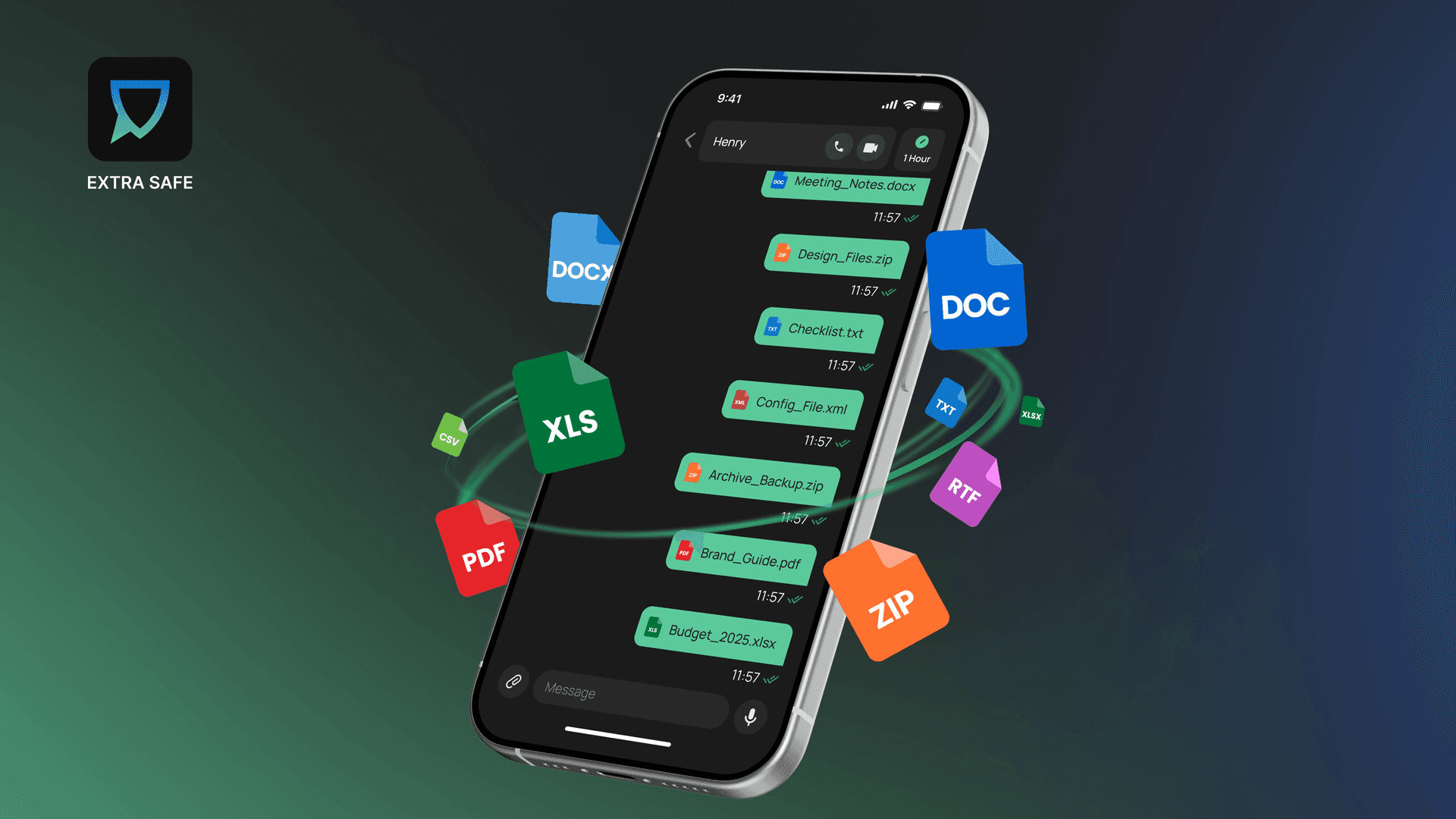
Encrypted file and image sharing in EXTRA SAFE chat
If you want a quick, practical look at how this works in a real chat, we put everything into a short guide: How to Share Encrypted Files and Images in EXTRA SAFE chat?
These new features stand on the same privacy model that shaped the app from the very beginning and helped us reach more than 400,000 downloads in just 13 weeks after launch:
Anonymous: Our Ethereum-like account structure generates a unique cryptographic identifier for you, eliminating the need to provide any identity data and ensuring complete anonymity without compromise.
E2EE - Asymmetric: Chats, files, and images are end‑to‑end encrypted, and each chat is secured using a cryptographic key pair: a public key and a private key that remains on the user’s device. This model ensures that only the intended participants can decrypt content.
Device–To-Device: Video meetings rely on a P2P topology, with data protected by WebRTC security mechanisms. Users can join from any browser without installing the app or creating an account.
Temporary Chat: All chats are deleted by default according to the user-selected timer.
Today’s release reflects direct input from our community via the public feedback portal, where users asked for a seamless way to move files, images, and messages in one encrypted space. Guided by this feedback, we are introducing even more feature updates you will enjoy, such as new ways to add and organize contacts.
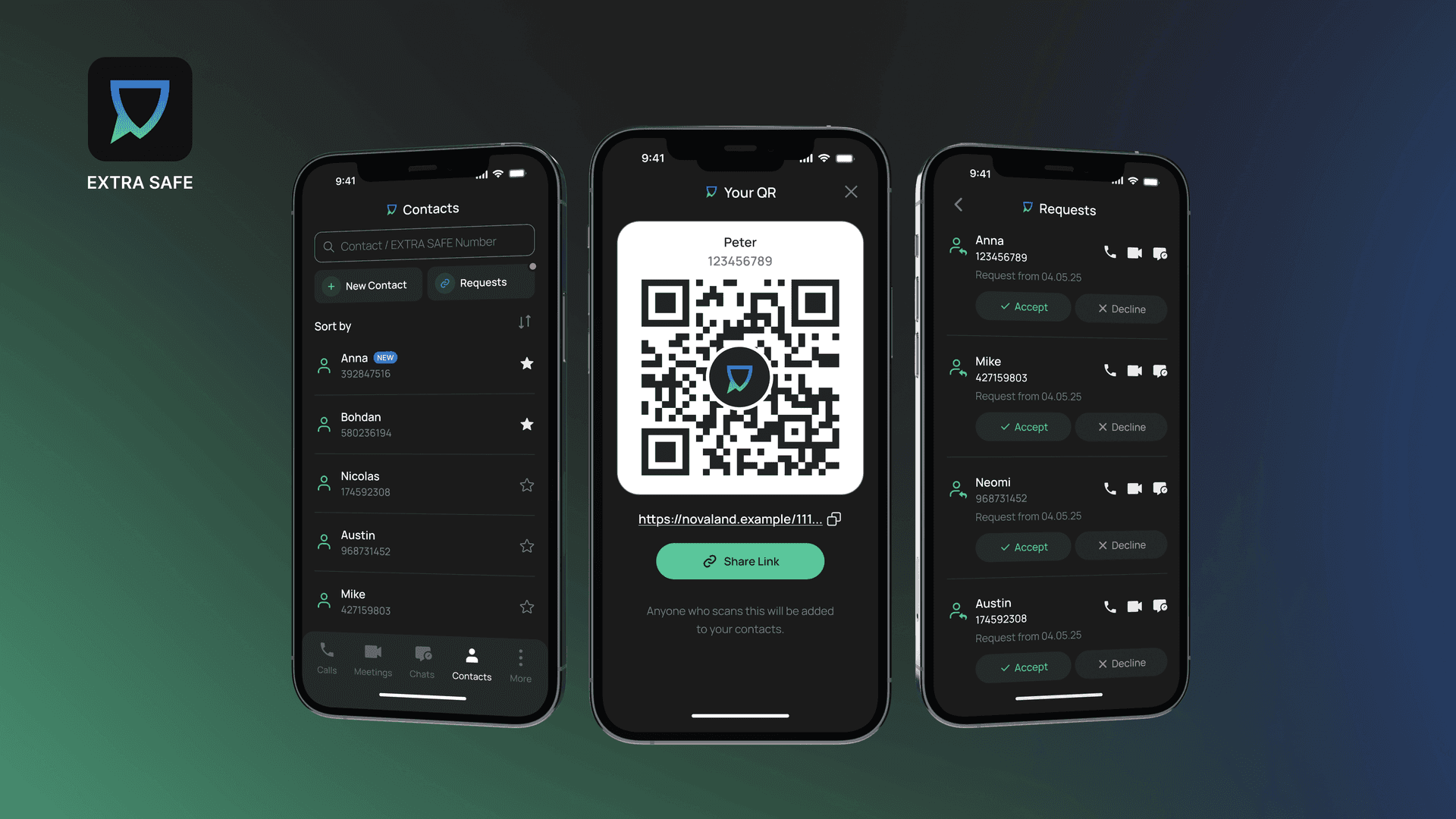
New ways to add and organize contacts
With this feature, you can exchange contacts with a QR code, highlight your favorite contacts, and handle new connections from a pending list, giving you a simple, organized way to manage your conversations and contacts.
Ready to try it in your own conversations?
Download the app for iOS and Android. Prefer desktop? Start a private meeting from your browser at extrasafe.chat

Download the EXTRA SAFE app for free