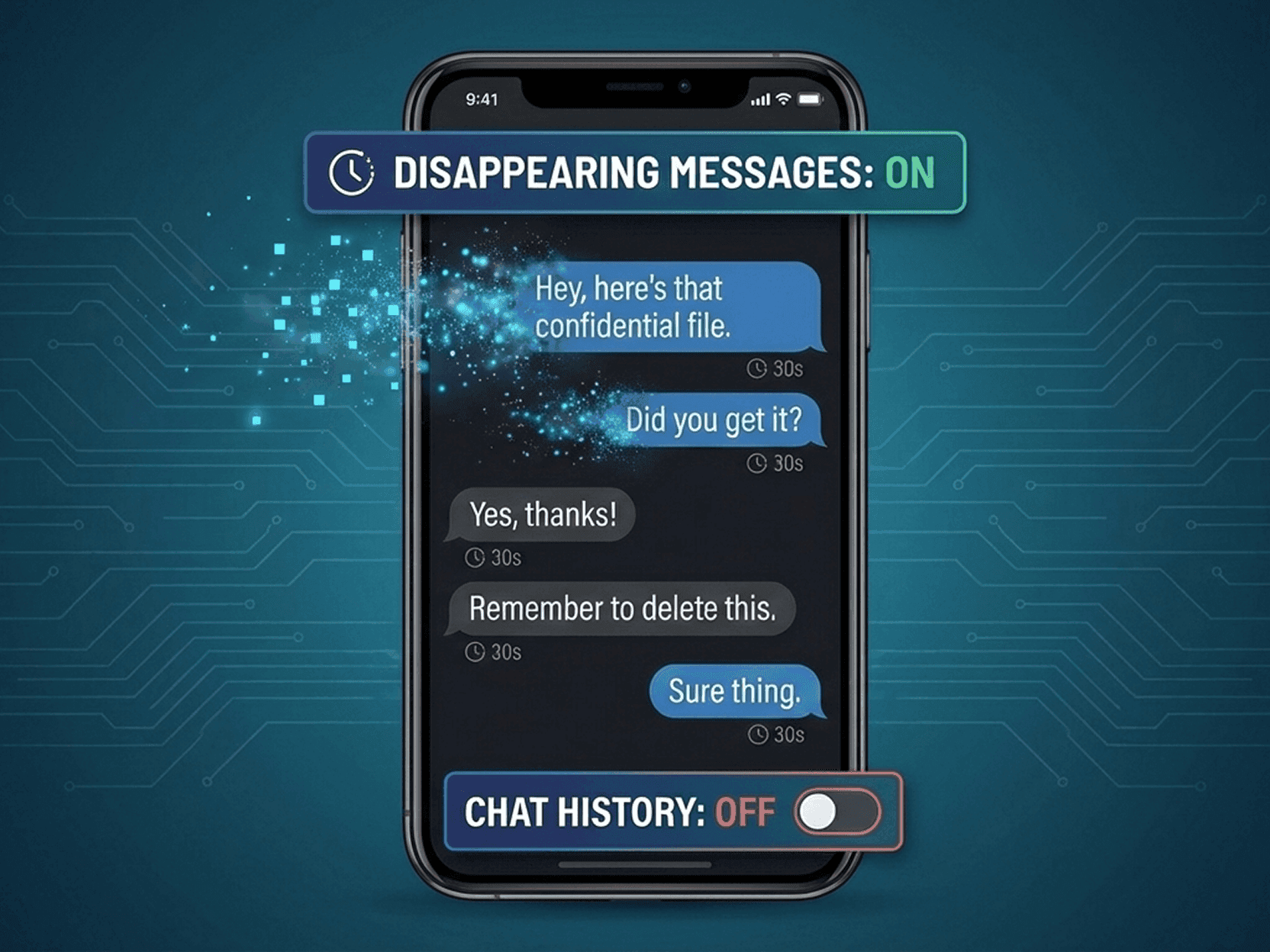
For years, messaging apps have promised privacy through encryption. But recent incidents have shown that encryption alone doesn’t decide your real risk. What matters just as much is whether your chat history exists at all — and where it lives.
Between 2020 and 2025, multiple data leaks, impersonation cases, and legal requests revealed the same pattern: when messages are retained on servers or cloud backups, they can resurface in ways users never expected. This applies even when chats are encrypted. Stored data can be exposed through breaches, misconfigurations, device takeovers, or lawful access requests.
That’s why many users now ask a more precise question: How do I disable chat history saving — and which apps actually respect that choice?
In this article, we explain the risks of retained chat history, how to evaluate messaging apps’ data practices, and how different platforms — including EXTRA SAFE — approach ephemeral communication.
When Old Messages Become New Problems
Keeping chat history may feel harmless, until context changes.
2020–2021: Cloud backups as a weak link. Several high-profile investigations showed how encrypted chats from apps like WhatsApp could still be accessed once users enabled cloud backups. Messages weren’t broken cryptographically — they were simply stored elsewhere, under different rules.
2022–2023: Account takeover and impersonation. In multiple regions, attackers used access to stored chat histories in apps such as Telegram to impersonate users, replay conversations, and exploit trust built over years of saved messages.
2024–2025: Legal and compliance exposure. Retained message logs and metadata from workplace messengers were increasingly requested during corporate disputes and regulatory reviews, turning old conversations into evidence — regardless of original intent.
The common thread: data that exists can be reused. Even securely encrypted data becomes risky when it’s kept indefinitely.
What to Check Before You Trust a Messenger
If you want control over chat history, don’t stop at marketing pages. Look deeper:
Privacy Policy: Does it specify how long messages and metadata are retained? Is deletion user-controlled or platform-controlled?
Terms of Use: Are there clauses allowing extended storage for “legal,” “safety,” or “service improvement” purposes?
Backup Behavior: Are backups optional, default, or automatic? Are they encrypted end-to-end or handled by third-party cloud providers?
Deletion Semantics: Does “delete” mean from your device only — or from all participating devices and infrastructure?
Apps like Signal clearly document disappearing messages, but even then, behavior depends on user settings and counterpart devices. Predictability matters as much as features.
How Messaging Apps Handle Chat History: A Practical Comparison
Aspect |  EXTRA SAFE |  |  Telegram |  Signal |
|---|---|---|---|---|
Default message retention | Deleted by default, after user-set timer | Persistent by default | Persistent by default | Persistent by default |
User action required for deletion | None (automatic lifecycle) | Manual delete or disappearing messages | Manual delete or self-destruct timers | Manual disappearing messages |
Server-side message storage | Session-bound, minimal handling | Messages synced; backups optional | Cloud-stored by default | Messages relayed; limited retention |
Cloud backups | Not tied to third-party clouds | Optional; often enabled | Built-in cloud sync | Optional; OS-level backups |
Deletion scope | Predictable, session-based | Depends on backup & device state | Depends on device & cloud sync | Depends on recipient device |
Call architecture | Device-to-device (P2P) | Platform-routed | Platform-routed | Device-to-device (P2P), platform-routed from unknown contacts |
Encryption model | End-to-end asymmetric encryption | End-to-end (messages); backups vary | Client–server encryption by default | End-to-end encryption |
Ephemerality by default | ✅ Yes | ❌ No | ❌ No | ❌ No |
Risk of historical data resurfacing | Structurally minimized | Medium–High | Medium | Medium |
Some apps offer deletion as a feature; others make ephemerality the default state.
How EXTRA SAFE Enables Ephemeral Communication by Default
1.
Session-Based Messaging.
Messages exist only for the duration required for delivery and user access, reducing long-term exposure by design.2.
Device-to-Device Calls.
Every call connects device-to-device (P2P) and is protected with blockchain algorithms, minimizing intermediary handling.3.
End-to-End Asymmetric Encryption.
EXTRA SAFE uses end-to-end asymmetric encryption so only intended participants can access message content.4.
Predictable Data Lifecycle.
Users don’t need to manage complex settings to “turn privacy on.” Data handling follows consistent, transparent rules from the start.
Together, these elements make ephemeral communication the baseline, not an optional add-on.
Key Takeaway
Disabling chat history saving isn’t just a setting — it’s an architectural choice. When communication is ephemeral by default, risks tied to leaks, impersonation, and retroactive exposure shrink dramatically.
If predictable, short-lived conversations matter to you or your team, start with EXTRA SAFE and communicate with confidence from the first message.