June 19, 2026
Categories:
How to Store Your Recovery Phrase Securely in EXTRA SAFE
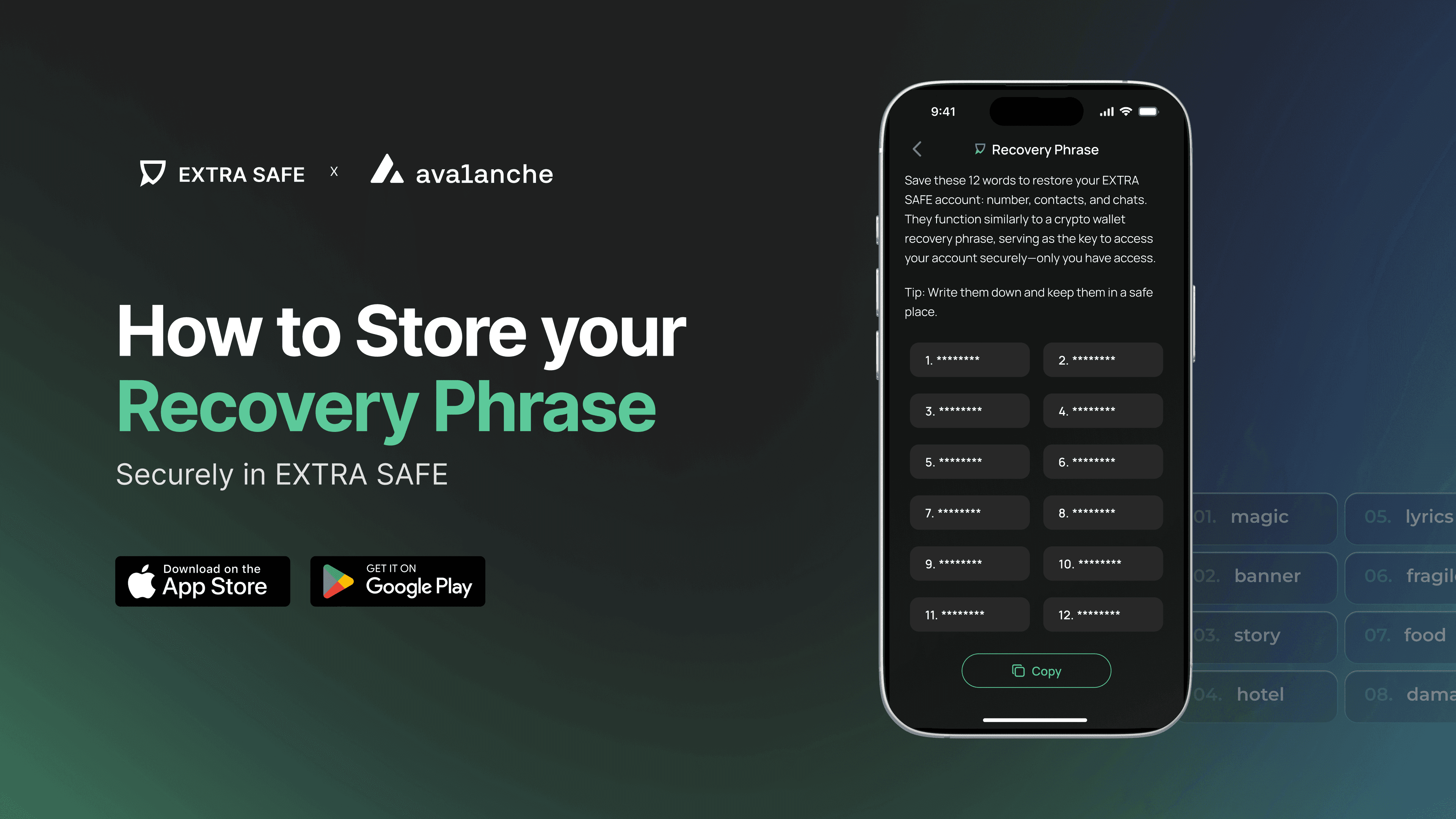
EXTRA SAFE is a self-owned messenger. What does that mean? The keys to your wallet and your conversations are generated locally and stay on your device. This onboarding makes EXTRA SAFE private by design. It also means that when you set up the app, you are fully responsible for one thing: the 12 words that can restore your contacts, chats, and access to your assets.
This article explains how to store it so it remains both safe and accessible when you need it.
What Is the Recovery Phrase in EXTRA SAFE?
When you set up EXTRA SAFE, the app generates a 12-word recovery phrase. These words, in a specific order, are the only key that can restore your entire EXTRA SAFE environment on a new device. The words themselves are not the weak point. The risk comes from where and how you store them.
Nobody can recover it for you, as EXTRA SAFE does not keep any of your keys. That is what self-ownership means. If you lose the phrase, your account is lost too. You have full control, but also full responsibility.
You can find your Recovery Phrase by going to Settings → Account → Recovery Phrase. The app also prompts you to save the phrase during the initial setup, which is the best time to do it.
Read more: What is a recovery phrase and why it's important
Before You Choose a Method
Choosing how to store your phrase takes a little thought. While you decide, follow a few simple rules to keep your phrase and assets safe.
1.
If you need to store the phrase for a short time, keep it on your device. A note on your phone isn’t perfect, but it’s much safer than using cloud documents, email drafts, or messenger chats. Never store it anywhere that sends data over the internet.
2.
Only keep a small amount of assets in your wallet until you’ve safely stored your recovery phrase. Don’t move large amounts into your wallet until your backup is ready.
3.
Test your backup before you rely on it. Write down the words and check that the order is correct. Even one wrong word or a mix-up will stop the phrase from working.
How to Store Your Recovery Phrase
Not every method carries the same trade-offs. Each approach below covers what it protects against and where it falls short.
1. Encrypted Storage
Encrypted storage means your phrase is protected by a password before it is saved anywhere, so the words are never shown in plain text. The two most common ways to do this are using a password manager or an encrypted QR code. Both work, but each has its own pros and cons.
A password manager lets you access the phrase on different devices, but its security depends on how strong your master password is and whether your account stays safe. If the vault is breached, your phrase can be exposed.
An encrypted QR code turns your phrase into a scannable code that is locked with a password. The recommended tool for this is Wallet2QR, part of the EXTRA SAFE product family, designed for wallet security.
Why Wallet2QR is the Recommended Option
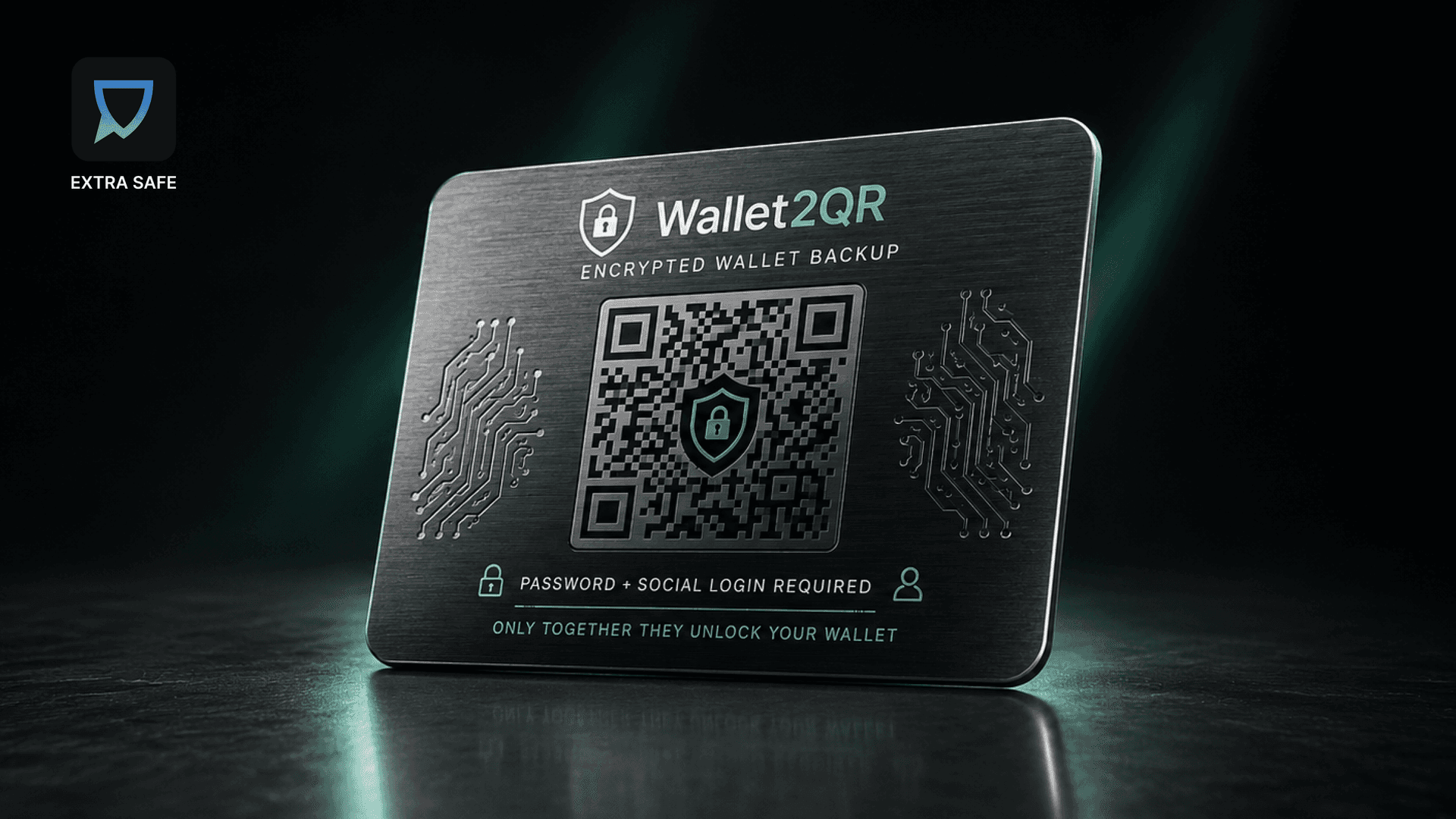
Here is how it works. You enter your 12-word phrase into Wallet2QR and set a password. The tool runs the mnemonic through Argon2id — a password hashing algorithm designed to resist brute-force attacks — and produces a QR code. Everything happens in your browser, via WebAssembly. The server never sees your phrase, your password, or your private keys.
The result is a QR code that you can print, store, or save. It is completely useless to anyone who finds it without the password. This is what Wallet2QR calls honey encryption: any wrong password creates a different set of valid-looking words, so an attacker cannot tell which one is correct. Offline brute-force attacks are prevented.
To restore your account, scan the QR code with any phone's camera, open Wallet2QR in a browser, enter your password, and retrieve your phrase.
Wallet2QR also works with multi-chain wallets. This means you can use the same tool for everything in your EXTRA SAFE wallet.
2. Paper Storage
Writing the 12 words on paper and keeping the sheet in a secure place, such as a personal safe, a locked drawer, or a safety deposit box, is the most common way to store a seed phrase. You only need a pen, and it works without any software or device.
Paper has no online attack surface. It cannot be phished, hacked, or intercepted while being sent. Its risks are physical, such as fire, water, accidents, or someone seeing it by chance.
If you choose paper, never store the phrase in a visible place or with the device it protects. Having only one copy means a single point of failure. Some people keep two copies in different secure locations.
3. Metal Backup
Metal backups involve engraving or stamping the 12 words onto a steel or titanium plate. Unlike paper, metal is fire-resistant, waterproof, and can last for decades.
This method is designed for long-term storage. It is a good choice for people with significant assets who want a backup that will survive floods or house fires. There are several products for this, such as stainless steel plates, letter stamps, and tile-based kits made for this purpose.
Metal solves the problem of durability, but not visibility. The same rules as with paper apply: store it where only you can access it, and never keep it with the device it protects.
Comparison: Recovery Phrase Storage Methods
- •
Security. Encrypted storage (Wallet2QR) is the strongest in this regard, password-protected and brute-force-resistant. Metal backup is a close second: secure if stored carefully, and physically durable. Paper is a medium — it holds up only as well as your storage habits.
Winner: Encrypted storage (Wallet2QR). - •
Durability. Metal wins outright — fire and water resistant, built to last decades. Encrypted storage is medium, depending on where the QR code or vault file lives. Paper is the most fragile: vulnerable to fire, water, and accidents.
Winner: Metal backup. - •
Cost. Paper costs nothing. Encrypted storage via Wallet2QR is free; a password manager subscription adds a small ongoing cost. Metal backup kits — steel plates, letter stamps, tile sets — run in the medium to high range.
Winner: Paper. - •
Convenience. Paper and encrypted storage are both highly convenient — one needs only a pen; the other, only a browser. Metal requires engraving or stamping and is the least convenient to set up or access quickly.
Winner: Paper and encrypted storage, tied. - •
Best for. Encrypted storage (Wallet2QR): most users who want a digital backup with password protection. Paper: a first backup, or users just starting with self-custody. Metal backup: long-term storage of significant assets.
Many users keep two: an encrypted QR for quick access, and a physical copy — paper or metal — stored somewhere safe.
Where Your Recovery Phrase Should Never Live
Never store your recovery phrase as a screenshot, in a cloud document, an email draft, or in any messenger chat. These places may seem private, but they are not meant for storing keys. An image saved to your camera roll can easily end up on a server you do not control.
The phrase should exist in a form that only you can access, and that does not travel across any network.
The Recovery Phrase Is the Key
In EXTRA SAFE, your chats and assets belong to you by design. The recovery phrase is what keeps them secure.
The closed beta opened in June, and full production starts in July.
JOIN THE BETA →