September 10, 2026
Categories:
15 Real Questions About EXTRA SAFE, Gathered From Our Beta Testers
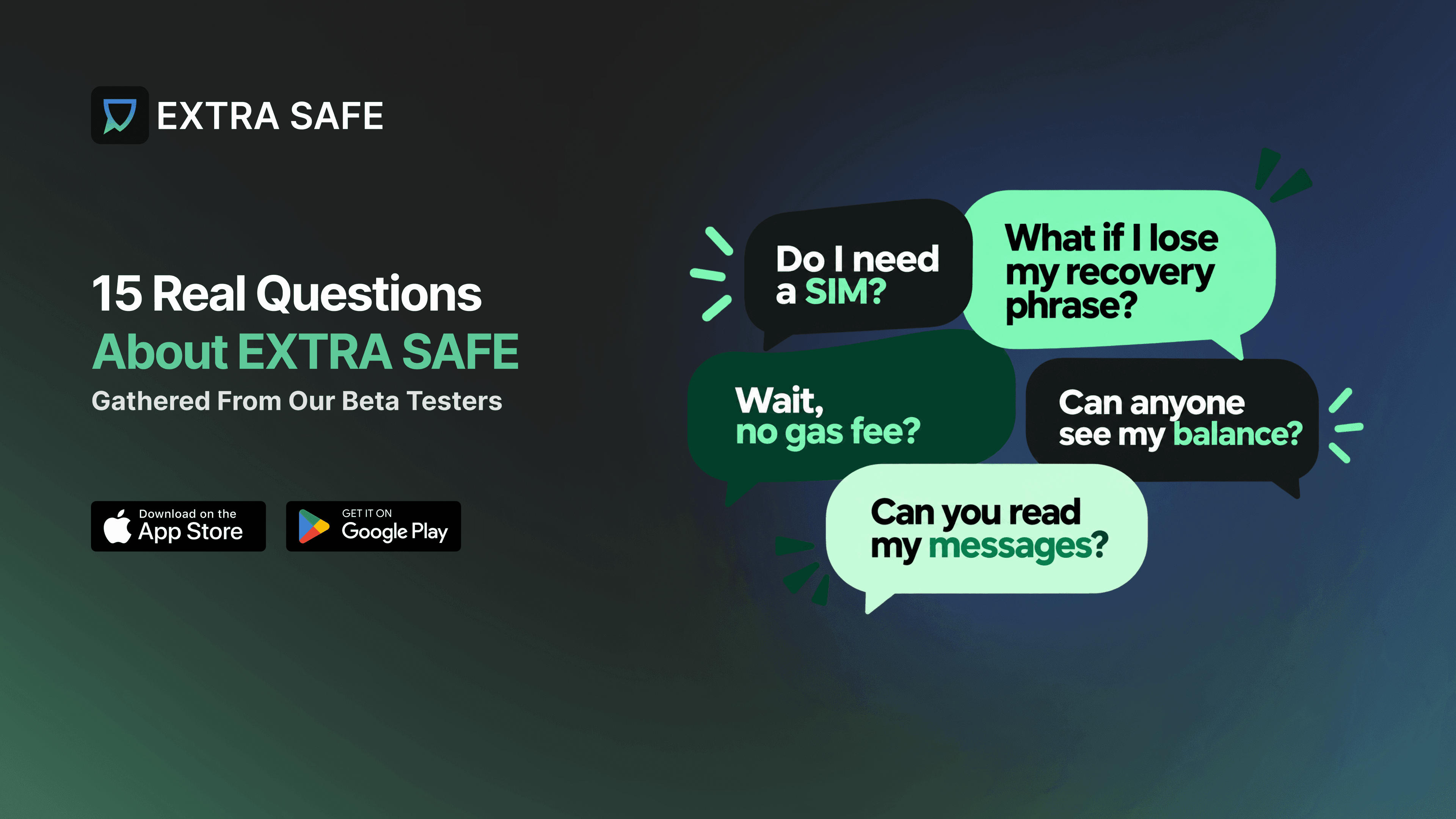
Over months of closed beta testing, we've been putting new wallet features, in-chat payments, stablecoins, and gift links through their paces, on top of the privacy-first messaging EXTRA SAFE already had.
Along the way, the same handful of questions kept coming up, session after session, ranging from the basics to more advanced questions from crypto-native users. This piece collects the most frequent ones, with straight answers and useful links if you want to dig deeper into any of the topics.
1. What Is EXTRA SAFE?
So what does 'self-custodial messenger' actually mean, in plain terms?
EXTRA SAFE is a messenger with a stablecoin-first wallet built directly into it. Two things that usually live in separate apps, chat and a wallet, now sit in one place.
"Self-custodial" is the part that matters most beneath that: the wallet's keys are generated on the device and never leave it, so the funds and conversations inside remain under the account holder's sole control. Nobody, not even EXTRA SAFE, can freeze the funds or access message history or contacts.
Read more: What is EXTRA SAFE?
2. Do I Need a Phone Number to Sign Up?
Wait, you don't need my phone number or my email at all?
Correct — neither one. An EXTRA SAFE identity is wallet-based instead: the account is created right on the device, tied to keys generated locally, with an EXTRA SAFE number as the visible ID other people use to find and add you. There's no phone number or email sitting on a server to check against in the first place.
Read more: Do I need a phone number or email to sign up?
3. What's an EXTRA SAFE Number?
If my identity isn't tied to a SIM card or an email, how does anyone actually find me?
That's exactly what the EXTRA SAFE number is for. It's a 9-digit number generated from the account's own cryptographic key pair the moment it's created, and it works two ways at once: as the contact address people use to find and add each other, and as the payment address contacts send funds to directly, with no wallet address involved.
It stays the same across every device, as long as the recovery phrase is kept safe — similar to a bank account number, public enough to share, safe enough to double as an identity.
Read more: What is an EXTRA SAFE number and how does it work?
4. How Is Sending Money in a Chat Different From a Regular Wallet?
I already have a wallet app — what would sending money inside a chat even change?
A few things, and they stack. Sending goes straight to a contact's EXTRA SAFE number instead of a copied wallet address, so there's no long string of characters to get right — the app automatically resolves the wallet behind that number.
The transfer's status shows up right in the chat, just like a message, instead of a separate screen to check back on. And because it's a chat, a quick video call with that contact is right there too, an easy way to confirm a transfer is going to the right person before sending.
Read more: Do I need to know the recipient's wallet address to send funds?
5. Can I Send Stablecoins to Wallets Other Than EXTRA SAFE Contacts?
Does this only work between two people who both have the app, or can I send it anywhere?
Anywhere. Sending to a contact by name is the flow built for chat, but the Wallet tab supports sending to any external self-custodial wallet or exchange too, across every network EXTRA SAFE runs on.
Read more: Can I send funds to an external wallet address?
6. Do I Need a Native Network Coin to Pay Gas Fees?
So I don't need a native coin at all, just to send stablecoins?
That's right — no native coin needed. Usually, sending any token requires holding a separate native coin to cover the fee, in addition to whatever's actually being sent.
In EXTRA SAFE, that step disappears: every transfer runs through a smart account, which automatically converts a small slice of the stablecoin being sent into the fee itself, so there's nothing separate to hold or buy beforehand.
Read more: Pay Gas with the Stablecoin You Already Hold
7. Can I Send Stablecoins to Someone Who Doesn't Have EXTRA SAFE Yet?
My dad doesn't even have a wallet. Can I still send him something?
Yes, through a Gift Link. From the Wallet tab, pick a network and an amount, and EXTRA SAFE creates a link that's already funded and ready to share via WhatsApp, SMS, email, or Telegram.
Tapping that link takes the recipient straight to the app download page. The moment they open it for the first time, a wallet is created automatically on their device, with the gifted funds already inside. And until it's actually claimed, the gift remains revocable, so the sender can pull the funds back at any time before that happens.
Read more: How to Gift USD₮ to Someone Who Doesn't Have a Wallet Yet
8. Which Networks Does EXTRA SAFE Support?
Is EXTRA SAFE tied to one network?
There are six supported networks in EXTRA SAFE. Avalanche is the default network, alongside Ethereum, Polygon, BNB Chain, Base, and Arbitrum.
9. Who Has Access to Manage My Assets and Chats?
If something happened to the company tomorrow, what would happen to my money?
Nobody but the account holder has ownership and control over decentralized assets and chats. Private keys are generated on-device and never leave it, which is what makes the wallet self-custodial: EXTRA SAFE itself has no ability to move funds, freeze an account, or read a chat.
10. Can I Restore My Account on a New Device?
I just got a new phone. How do I get my account and my funds back?
Yes — through the 12-word recovery phrase created during setup. It's up to the account holder how to keep it safe: save it manually on the device or store an encrypted backup in the cloud, right from that same setup screen. Without that phrase, recovering the account isn't possible — there's no separate password or support line to restore it.
Read more:
11. Are My Chats Encrypted?
Does EXTRA SAFE keep a copy of my chats somewhere, or do they actually disappear?
Every message, file, image, and voice note sent through EXTRA SAFE is end-to-end encrypted and readable only on the device it's meant for, not on a server in between. Chats don't just stay there forever, either. Once a contact has actually seen something, it clears on its own, on a timer that can run anywhere from one minute to a full month, whatever fits the conversation.
Read more: How does end-to-end encryption (E2EE) work in EXTRA SAFE?
12. Can Anyone See My Balance or Transaction Amounts?
Isn't crypto supposed to be public? Can someone just look up how much I sent?
With Private Tokens, your balance and transfer amounts stay invisible to the general public. The feature is built on eERC by Avalanche, a token standard designed specifically for this purpose, currently live in EXTRA SAFE on the Avalanche network.
13. Where Are My Private Keys Stored?
Where do my keys actually live — on some server, or on my phone?
The keys – public and private – are generated locally when a wallet is set up; the private key always stays on your device and is never transmitted to EXTRA SAFE's servers, which is the technical detail behind every claim about self-custody in this list.
14. Can EXTRA SAFE Read My Messages?
You say 'zero-knowledge.' Does that mean even you can't read my messages?
That's exactly what it means. The encryption keys reside only on the sender's and recipient's devices, so the architecture makes it structurally impossible for EXTRA SAFE to read message content, not just a policy promising not to.
15. What Makes EXTRA SAFE Different From Using a Wallet App and a Messenger Separately?
Couldn't I just use MetaMask and WhatsApp and get basically the same thing?
Running a wallet and a messenger separately means switching apps for every transfer, copying addresses by hand, and losing any connection between a conversation and the money attached to it.
EXTRA SAFE keeps both in one place, tied to the same identity, so sending funds is just another action within a conversation.
Read more: 5 Real-Life Situations Where Stablecoins in Chat Beat Traditional Payments
Testing Isn't Over
Full release is coming soon, but the testing sessions aren't stopping there. The Insiders Hub is open to anyone who wants to keep shaping how the app develops from here.
JOIN NOW →